


It’s almost 2026 and boy was this year a big one for Vellum. November’s updates is one of the biggest since Agent Builder, with major unlocks that make agents more connected and autonomous!
Here’s some of my favorite highlights:
Schedule and Integration Triggers making agents autonomous Multimodal outputs enabling agents to produce documents, photos, images, and audio Heaps of must-have integrations like the whole Google suite, Facebook, Instagram, ProductBoard, Fireflies Agent builder Inputs and diagrams that make agent building even faster and easier than before
Let's dive into everything that made this month of shipping monumental!
Unlock autonomous agents with Workflow Triggers
Fully autonomous agents are now possible in Vellum with our newly released Workflow Triggers! Use Triggers in any workflow to have agents run automatically based on a schedule or external events.
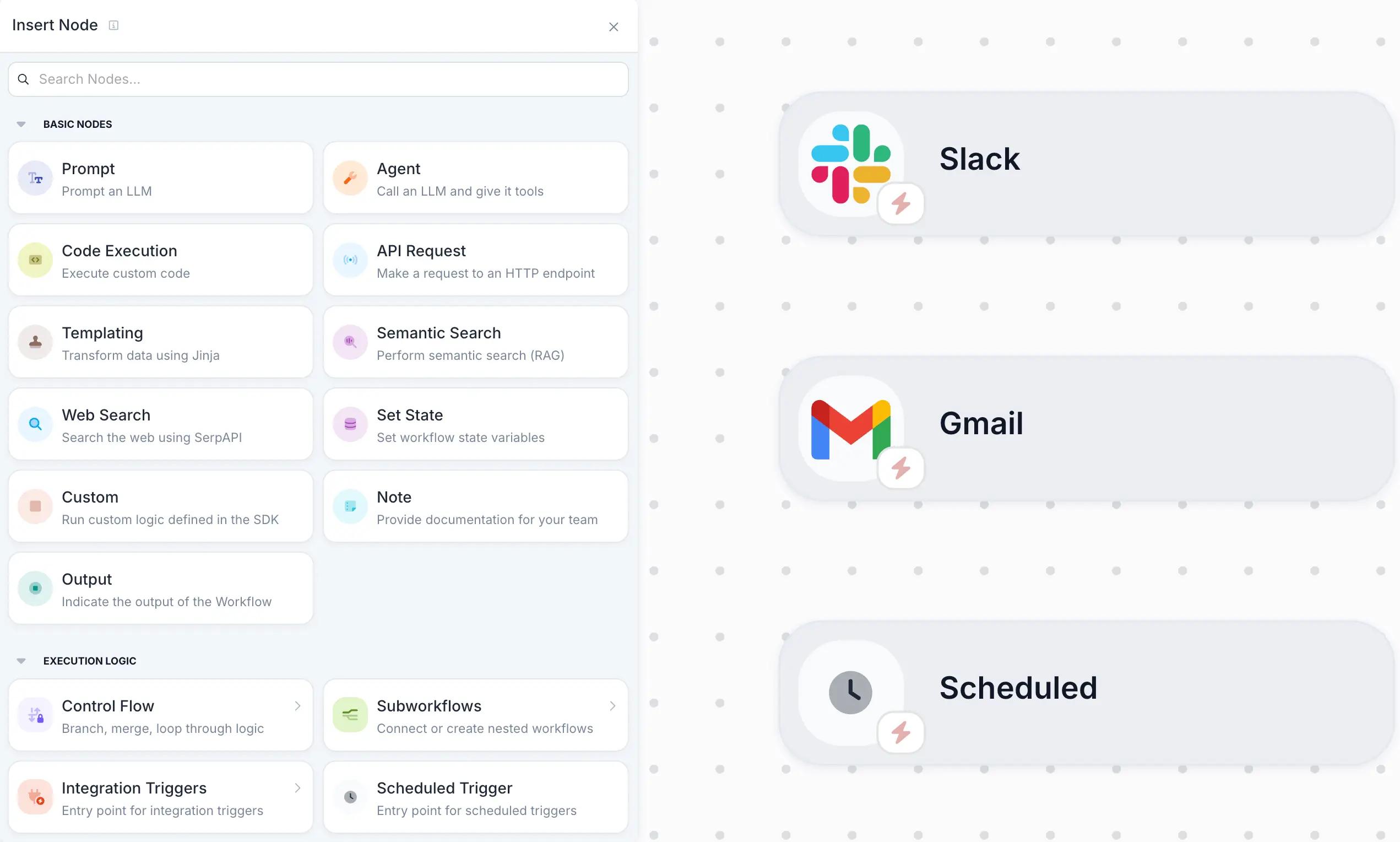
Here’s a quick overview of the triggers available:
Scheduled Triggers: run workflows on a recurring schedule using cron expressions. Describe a schedule in the schedule prompt box (like “every weekday at 9am”) and Vellum will run your Workflow automatically on that schedule.
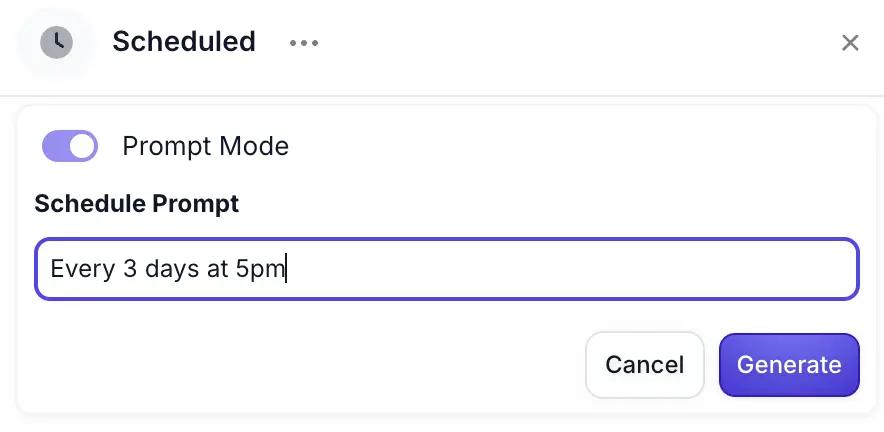
💡Pro tip: Use Agent Builder to help you add and configure your Trigger by prompting it with natural language!
How to actually use Triggers
Make agents proactive with these simple, high-impact ways to use Workflow Triggers:
Automate the routine: send daily summaries, refresh dashboards every morning, run cleanup or enrichment jobs on a schedule React to what’s happening in your tools: auto-triage new tickets or issues, alert the right people when something important lands, start a review or approval flow the moment a record changes Keep systems in sync: update CRMs, tools, or databases the second something new is created, and enrich new contacts or tasks automatically
Learn more about Workflow Triggers →
Agents for everything with Multimodal Workflow Outputs
A world of automation possibilities is now unlocked with the recently released Multi-modal Workflow Outputs, with any agent now able to output documents, images, videos, and audio.
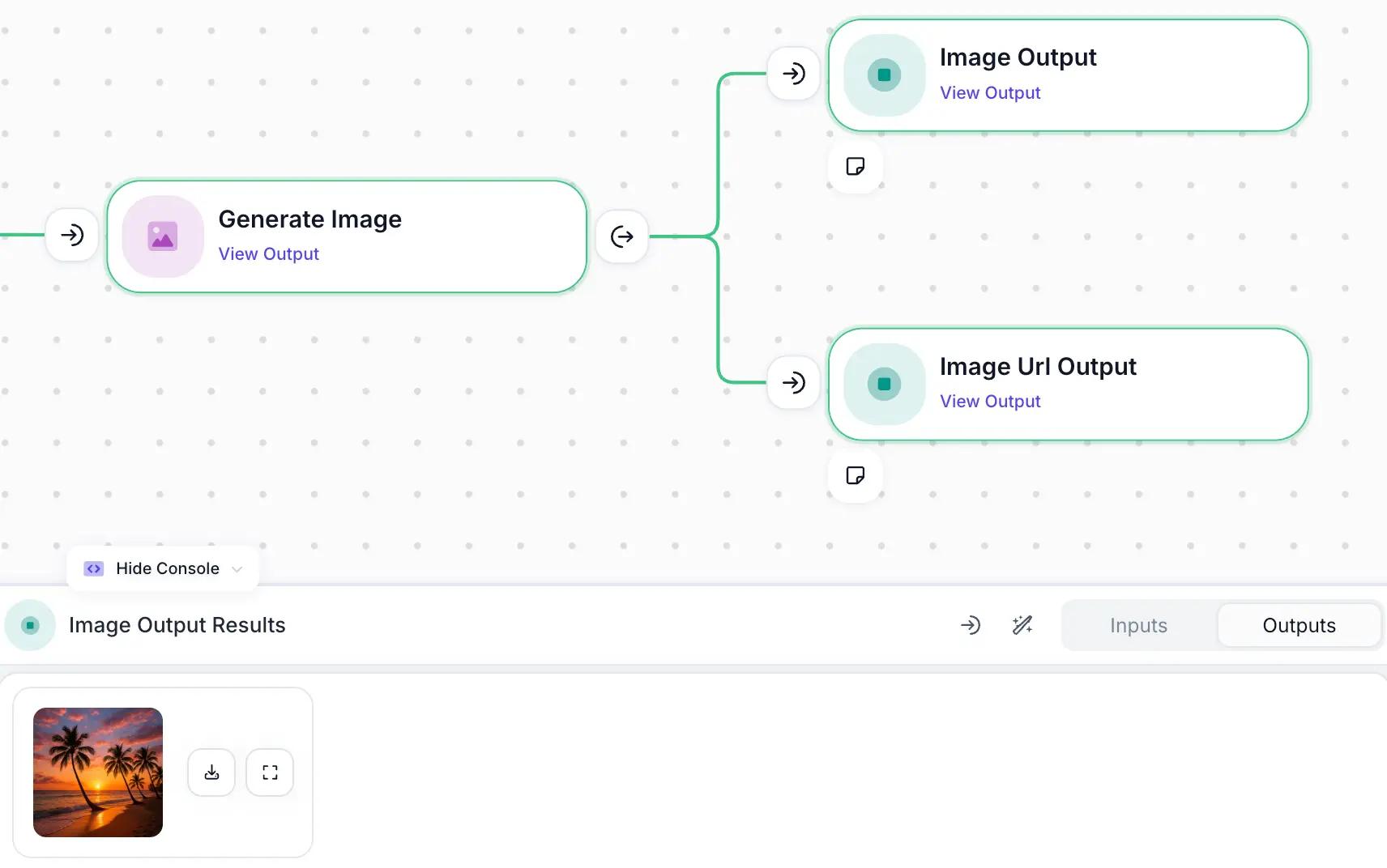
Here are some of the ways we’ve seen people start using multimodal outputs:
Next level content generation: agents that produce social graphics or thumbnails, draft proposals paired with images, or output ready-to-share assets for marketing workflows Communicate in richer formats: agents that deliver audio responses for clearer handoffs, produce short explainer videos, or attach media snippets inside Slack or email updates Package insights in usable outputs: agents that send weekly summaries as polished PDFs, output visual dashboards or charts, or bundle text + media into a single artifact teams can share instantly
Learn more about Multimodal Outputs →
Plug agents into every part of your stack with new Native Integrations
40+ new integrations landed in Vellum this month, including a bunch of long-awaited essentials. The biggest requests finally shipped: the full Google Suite (Analytics, Search Console, and more), Fireflies, Facebook, Instagram, and ProductBoard.
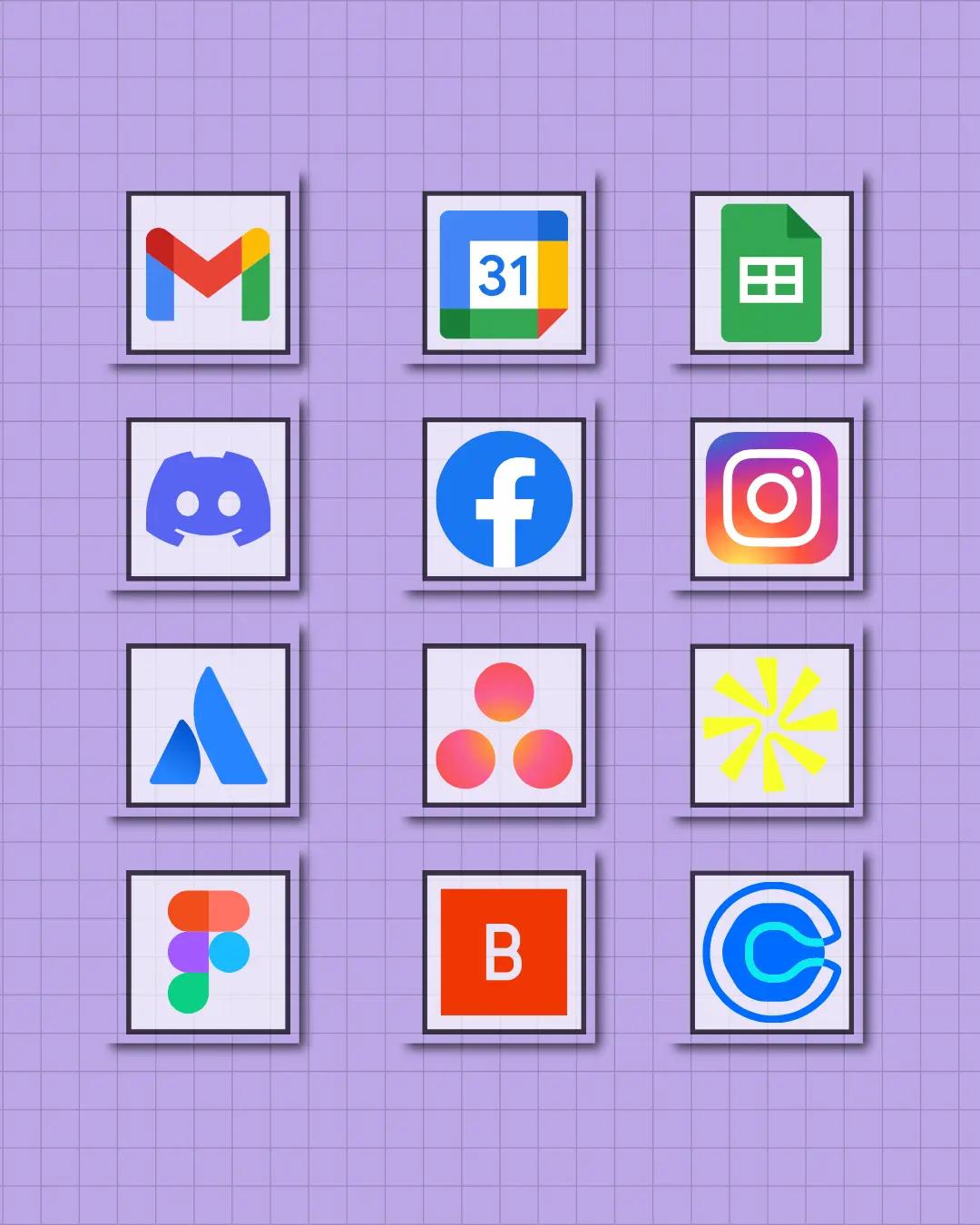
Use Agent Builder to connect these integrations on the fly and it’ll do all the heavy lifting of adding them to Agent Nodes and building Custom Nodes so you don’t have to.
Check out the 80+ Native Integrations that are now live under Settings > Integrations .
Learn more about our new Native Integrations →
File attachments & plan diagrams in Agent Builder
Upload files to teach Agent Builder
Instead of describing everything in words, you can now upload files that Agent Builder uses as the blueprint for your workflow:
PDF and image files Upload process docs or whiteboard sketches of a workflow diagram and have Agent Builder turn them into working workflows. Provide example documents or images to help it generate prompts for classification or extraction tasks.
- CSV, TXT, and Markdown (MD) files Upload a CSV of mock customer data to build a structured data extraction workflow.
- Upload markdown product specs to build a product comparison or recommendation agent.
- Upload text files with brand or compliance guidelines to generate agents that check for style or policy violations.
Try dropping in your dream AI employee org chart and watch the magic of Agent Builder happen as it builds the whole thing!
Learn more about Agent Builder file attachments →
Visual Plan Diagrams
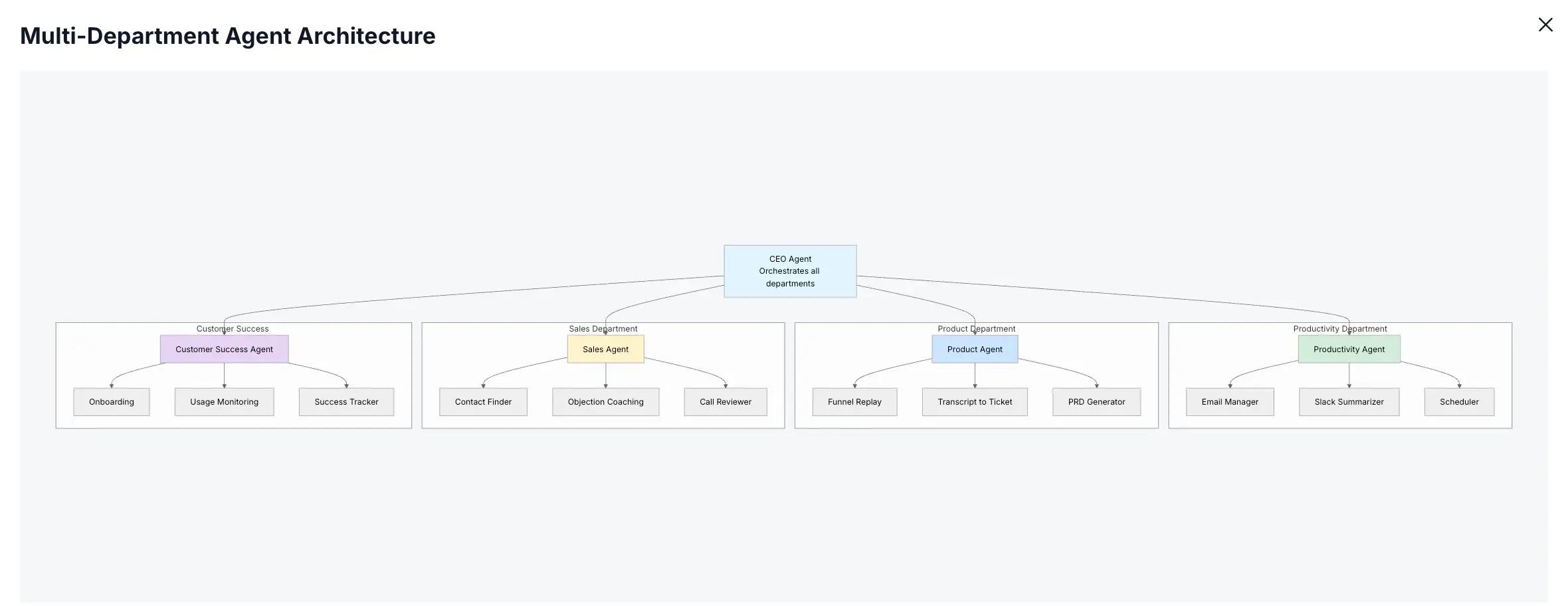
Agent Builder now generates visual plan diagrams that show how it intends to structure your workflow.
See the overall flow before anything is fully built Understand branches, subworkflows, and key steps at a glance Click to expand a full screen diagram when you want to go deeper
This is especially helpful when you are designing larger agents and need to reason about architecture, handoffs, and loops.
Learn more about Agent Builder plan diagrams →
New models
OpenAI GPT 5.1 via Chat Completions and Responses endpoints.
- Google Gemini 3 Pro Preview
- Anthropic Claude Opus 4.5
- Fireworks AI Kimi K2 Thinking for advanced reasoning workloads.
Async Workflow Execution
For production systems processing high volumes or orchestrating agents that might run for multiple hours, Async Workflow Execution has arrived!
Previously, your code had to hold the connection open until a workflow finished, which was fragile at best. Now you can use the Execute Workflow Async endpoint to:
Start a workflow execution and immediately receive an execution_id. Your client does not block or risk timeouts. Executions automatically queue when you hit Vellum concurrency limits, which is ideal for batch workloads.
Use this in tandem with the Execution Status endpoint to poll for the status of an execution (PENDING, FULFILLED, REJECTED, and more), retrieve outputs, and an execution detail URL once the workflow finishes.
💡 Check out our Batching Executions guide for more information polling patterns and webhook alternatives
Learn more about Async Workflow Execution ->
Stateful logic with the Set State Node
You can now add a Set State Node to your Workflows to update state variables during execution. Use the Set State Node by simply adding it to your Workflow and configure one or more state operations. Each operation specifies:
State to update : Select the state variable you want to modify Value : Define the new value using expressions, variables, or operations like addition or concatenation
Here’s a quick tutorial!
Use the Set State Node to update and modify state variables in the middle of a workflow run, so you can:
Increment counters inside loops Accumulate chat history or transcripts Track progress through multi stage processes Store intermediate values for later branches
This is a massive unlock for more expressive loops, retry mechanisms with backoff, and agents that maintain context without using external state stores.
Learn more about Set State Node ->
Private Python package repositories
For users of organizations that maintain internal Python libraries, you can now use them in Vellum using generic private package repositories.
Enable with basic authentication, and once configured, Code Execution Nodes and Code Metrics can:
Install packages from your internal PyPI compatible registry Use the same shared utilities and business logic you use elsewhere Keep proprietary code inside your own infrastructure
To add a private repository you can navigate to the Private Package Repository page here.
Learn more about private package repositories ->
API Keys that respect your permissions
A key security element used to be missing from API keys causing friction for users wanting to enable others with their agents. Now, you can keep all your API keys safe with permissions and role based access! Here’s how it works:
If a user does not have Deployment Editor permissions, their API key cannot deploy workflows. If they cannot manage integrations in the UI, their key cannot manage them via API either.
This closes the gap between how your team operates and how your agents operate. You can finally share agents without worrying about overreach because permissions stay consistent across UI and API and audit trails clearly show who did what.
Learn more about API Keys with permissions ->
See you in January
That’s the best highlights from November! Be sure to check out the full change log to see all the improvements, fixes, and hidden gems shipped this month.
Agent building in Vellum has never been this easy and powerful, can’t wait to update you on everything we plan to ship this December. Vellum wishes you a happy holidays in the meantime — we’ll have a lot to cover when you get back!
{{general-cta}}