Quick Overview
This updated December guide breaks down the most capable AI workflow platforms of 2025, how to evaluate them, and where each option fits. We compared the leading solutions that help teams ship AI workflows faster, safer, and at enterprise scale.
If you are trying to make the right decision for your AI workflow platform, this list highlights the real contenders and gives you the context needed to make the right choice.
Top 6 AI workflow builder shortlist
If you want only the highest impact platforms for AI forward organizations, here are the top picks for December 2025:
Vellum AI: Best for teams that want the fastest and easiest way to turn ideas into AI workflows that automate real work across the business. Make: Best for operations teams handling large scale, multi-step AI infused workflows. Parabola: Best for data-rich teams working with AI enhanced batch operations. Pabbly Connect: Best for SMBs that want budget friendly AI workflows and automations at predictable costs. Activepieces: Best open source option for simple AI driven automations with a clean, Zapier style UI. Flowise: Best for teams prototyping agents, RAG workflows, and LLM chains in a visual open source environment.
2025 has been an exciting year for AI workflow builders, especially with prompt based building changing the whole direction of who the best platforms are. I was helping a friend back some agents for his startup around the time they first dropped.
The tech wasn’t great at first. Agent builders that constantly crashed and couldn’t understand the intent of my queries. We ended up reverting to drag-and-dropping building at the time for both of our sakes.
Now in December 2025, they are becoming almost too good. Capgemini reported estimates that AI agents could unlock up to $450 billion in economic value by 2028, yet only 2% of organizations have fully scaled agentic deployments so far [1] . I see this issue being resolved by these expanding agent/AI workflow builders. I have built very complex agents with one or two prompts, and it’s truly mind blowing. Platforms that enable this and keep shipping at the pace of the current AI market will determine the winners of 2026.
What is an AI workflow builder?
An AI workflow builder is a platform for visually or programmatically designing multi-step automations that combine LLMs, agents, retrieval, data operations, conditionals, and business logic. AI workflows are often times synonymous with AI agents that to automate tasks.
When choosing a platform, focus on these core capabilities:
Low/No code building so all members of your team can effectively automate work Share-ability for AI workflows that can be made effective across teams and collaborators Developer extensibility for advanced scripting, SDKs, and custom nodes Governance features that support versioning, permissions, approvals, and auditability
Picking a platform with these crucial features make the difference of whether your team will achieve an ROI with an AI workflow builder or fail to meaningfully automate work.
Why use a AI workflow builder?
Most teams start by hacking together scripts, ad hoc prompts, and a mix of tools. It works for a bit, then breaks as soon as more people or more use cases show up. McKinsey found that 88% of organizations now report using AI in at least one business function, but only about one third have managed to scale it across the enterprise [2] .
An AI workflow builder fixes that by giving you and your org everything in one place to:
Turn ideas into working workflows fast
Describe what you want and turn it into a repeatable flow instead of living in one off prompts and notebooks.
Let non technical and technical people build together
Ops, support, and PMs can shape workflows in a visual builder while engineers plug in code only where it is needed.
Ship automations your team can actually use
Wrap workflows in simple UIs or endpoints so they show up as real tools, not just experiments in someone’s account.
Keep AI behavior from drifting over time
Use evaluations, versioning, and rollbacks so changes are tested, tracked, and easy to undo if they regress.
See what is happening under the hood
Trace runs, inspect inputs and outputs, and spot failure patterns instead of guessing why something broke.
Grow without rebuilding everything from scratch
Reuse components across use cases, plug in new models or data sources, and keep the same core workflows as you scale.
What makes an ideal AI workflow builder?
The best AI workflow builders help you run AI in production with confidence. Based on how teams succeed, here are the qualities that matter most:
Ease of use: A no code AI workflow builder that can be prompted to make any AI workflow, connect business tools, optimize, and debug. Developer depth: SDKs, custom nodes, and scripting options so engineers can extend and harden flows. AI-native features: Built-in support for retrieval, semantic routing, and agent orchestration, not just API calls. Testing and versioning: The ability to run evaluations, compare versions, and roll back safely. Observability: Tracing, logging, and performance metrics so you know what your workflows are doing. Governance: Role-based permissions, audit logs, and approval flows to keep things secure and compliant. Scalability: Flexible deployment options in cloud, VPC, or on-prem and pricing that can grow with your use case.
These should be non-negotiables in 2025 standards to look for when discovering, comparing, and trialing platform solutions.
How to evaluate AI workflow builders?
Instead of aimlessly comparing spec sheets, here’s an evaluation framework that will ensure you make a sound, long-term choice tailored to your use case:
AI Workflow Builder Evaluation Framework Use this checklist to score each platform 1–5 and capture notes. It is designed to resize to any screen and scroll horizontally on small devices. Score vendors on each dimension. 1 = weak fit, 5 = strong fit. Evaluation Topics Key Questions to Ask Why It Matters Score (1–5) Notes Total cost of ownership What costs appear at scale? Any limits on tasks, runs, API calls, or premium connectors? Avoids tools that start cheap but get expensive as usage grows. Time to value How fast can a non-technical user ship a useful flow? How long to reach stable production? Shortens pilot cycles and accelerates ROI. Fit for your builders Can ops/PMs build without engineering? Do engineers get SDKs, scripting, custom nodes? Matches the tool to your actual team skills and workflow. AI readiness Are retrieval, semantic routing, tool use, and agent orchestration built in or bolted on? Determines whether it can run AI use cases without heavy custom glue. Testing and versioning Can you run evals, compare versions, promote safely, and roll back cleanly? Prevents regressions and supports evidence-based releases. Observability Do you get traces, logs, and performance metrics at the node and workflow level? Makes incidents diagnosable and improvements measurable. Governance and security Is there RBAC, SSO, audit logs, approval flows, and environment separation? Keeps workflows compliant and production-safe. Data control and lock-in Can you export flows or code? Is VPC or on-prem available? How portable are artifacts? Protects against vendor lock-in and eases migration. Ecosystem and integrations Are there prebuilt connectors, a marketplace, and partner add-ons? How fast do new ones ship? Reduces custom work and widens coverage. Vendor stability and roadmap How mature is the company? Do they publish a clear roadmap for AI features and ship on it? Signals long-term viability and innovation pace. Change management Does it support reviews, approvals, and safe promotion across environments? Prevents shadow workflows and keeps teams aligned. Support and community Are there SLAs, live support, and an active user or open-source community? Determines how quickly you unblock issues and learn best practices. Compliance and privacy Which standards are supported (SOC 2, ISO, HIPAA)? How are secrets and data retention handled? Meets regulatory needs and reduces risk.
The Top 12 AI Workflow Builders in 2025
1. Vellum AI
Quick Overview
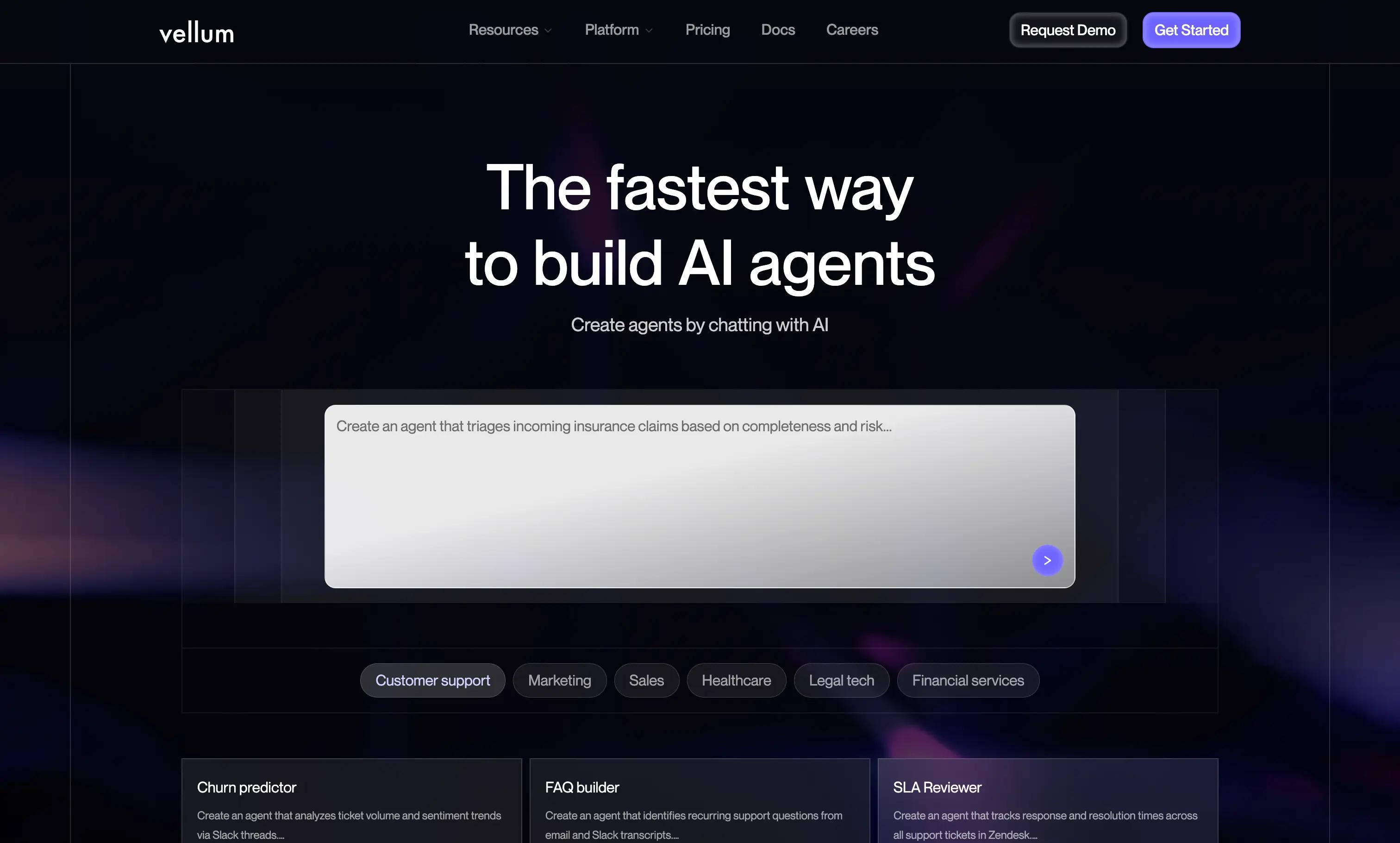
Vellum AI is the fastest and easiest AI workflow platform for automating work. You describe what you want the workflow to do in plain language, and Vellum’s Agent Builder turns that intent into a working flow that you can refine in a visual builder or extend with code. It also includes evaluations, versioning, and observability so your automations stay accurate as they scale.
Best For
Organizations that want to go from idea to working AI workflow quickly, while still giving engineers the control they need to harden and extend those automations.
Pros
Agent Builder that turns prompts into workflows , so you never start from a blank canvas AI Apps for packaging workflows into shareable tools and UIs , without any frontend work Visual builder plus Python SDK so non-technical teammates and engineers can collaborate in one place Native evaluations, versioning, and regression tests for data driven iteration End to end observability with traces, logs, and workflow dashboards Flexible deployment options including cloud, VPC, and on prem Strong documentation, templates, and support for fast onboarding
Cons
Some advanced SDK features still require engineering support As a rapidly evolving platform, new features may require occasional relearning for teams
Pricing
Free tier available; contact sales for enterprise plans.
2) Make
Quick Overview
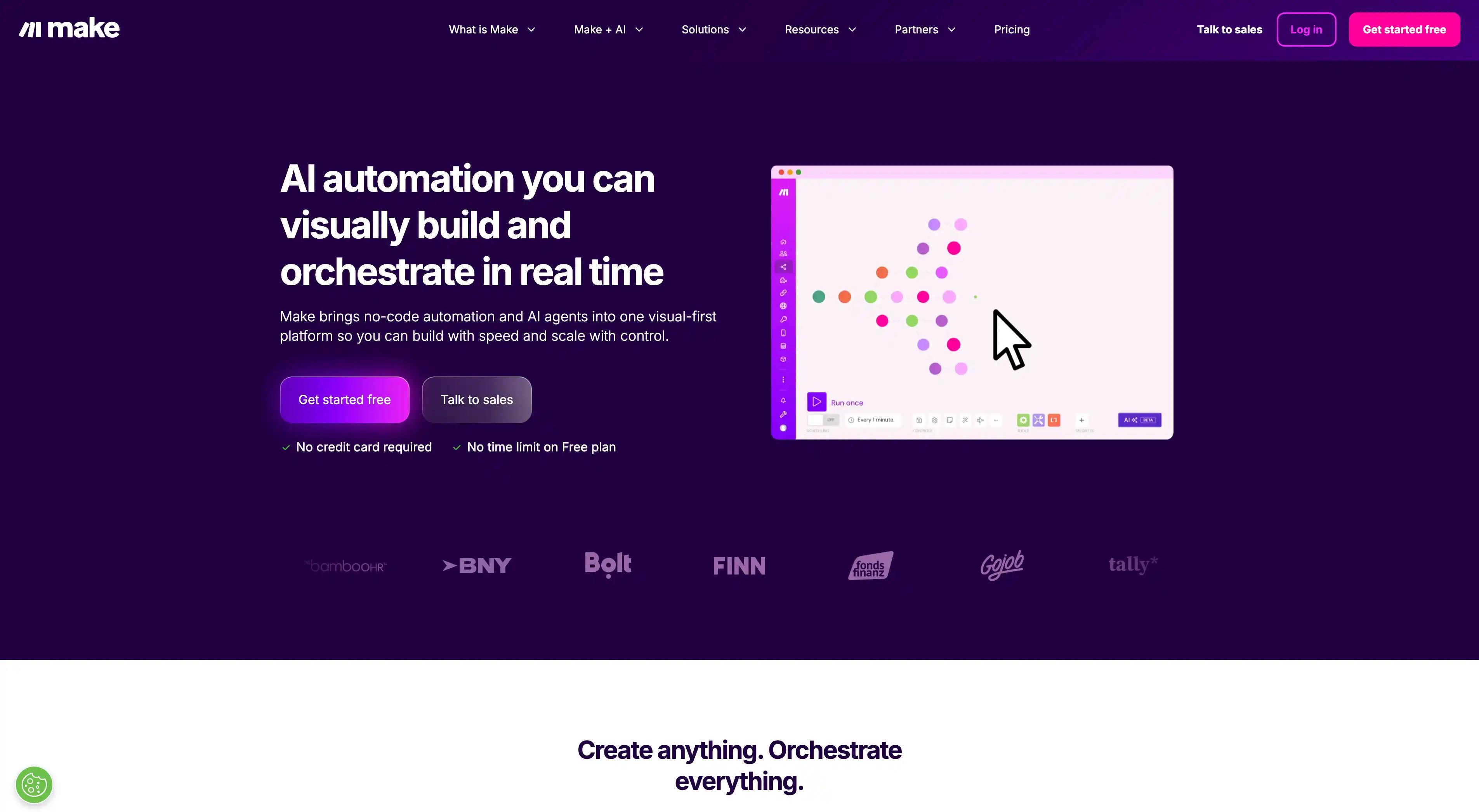
Make is a visual AI workflow platform built for operations teams that need complex logic, branching, scheduling, and high volume automations. It provides a powerful drag and drop canvas with advanced controls.
Best For
Ops teams that want multi step logic and large scale workflow execution at a low cost.
Pros
Advanced routing and mapping features Good for high volume workloads Strong error handling and replay tools
Cons
UI can feel heavy for simple flows Steeper learning curve than Zapier
Pricing
Free tier; paid plans from ~$9/mo.
3) Parabola
Quick Overview
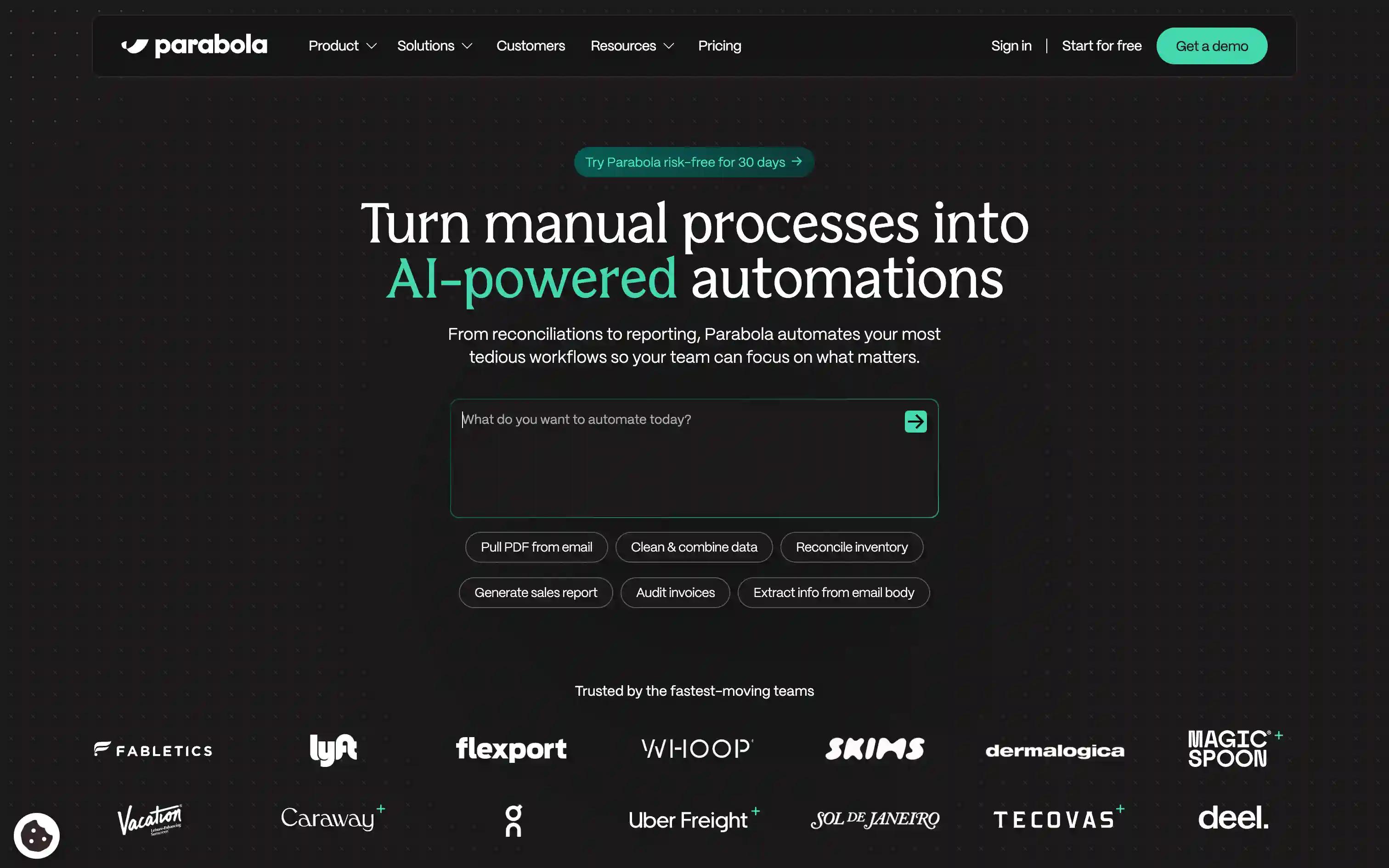
Parabola is an AI workflow platform designed for data heavy teams. Its visual builder excels at batch processing, data manipulation, and workflows for RevOps, Marketing, and Operations.
Best For
Teams managing API pulls, enrichment, data cleanup, and CSV based batch operations.
Pros
Great for ETL like workflows Clean and intuitive visual builder Strong scheduling and automation tools
Cons
Not event driven Limited for complex AI agent style flows
Pricing
Free tier; enterprise pricing available.
4) Pabbly Connect
Quick Overview
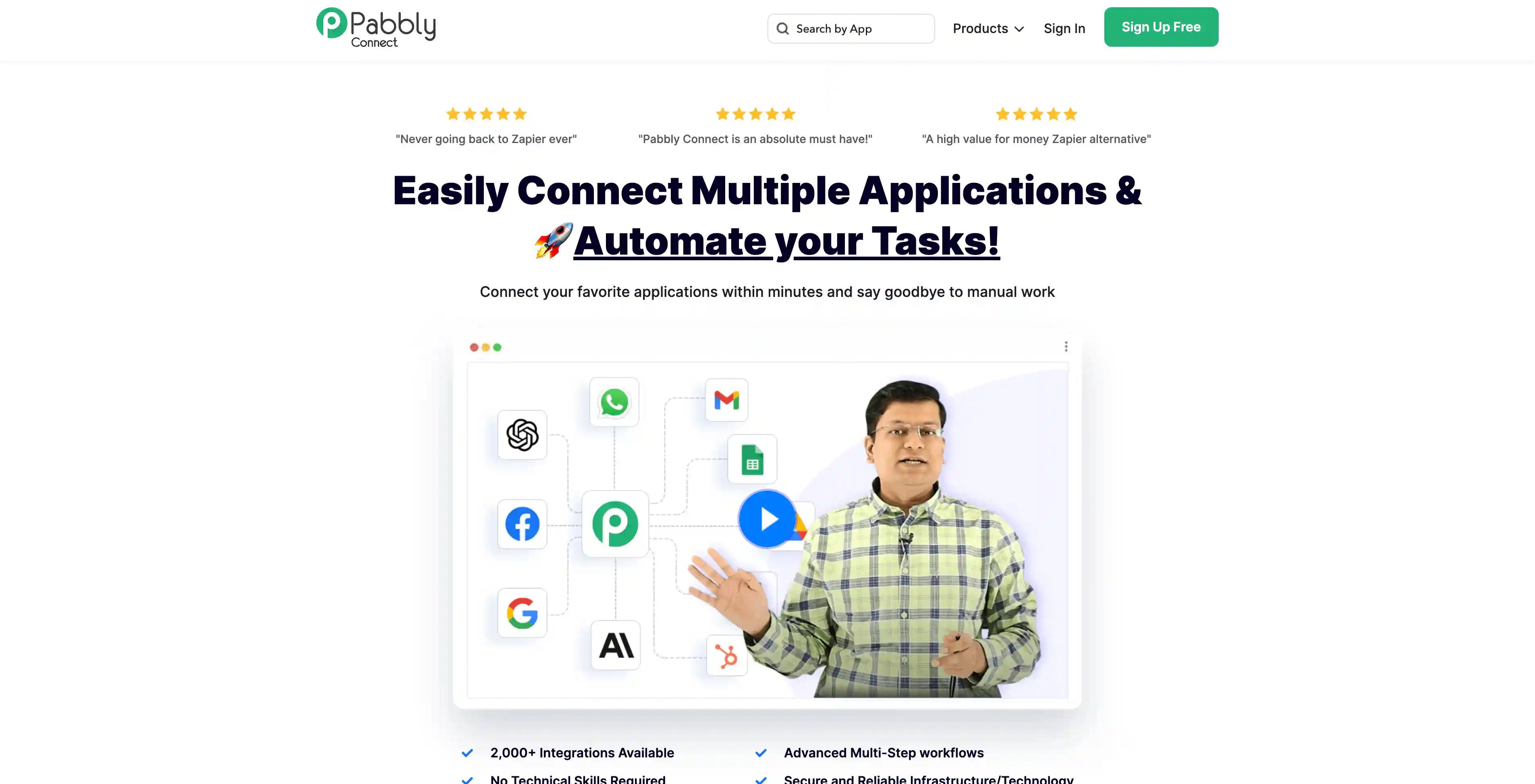
Pabbly Connect is a budget friendly AI workflow automation platform known for flat pricing and generous task limits. It is popular among SMBs looking for predictable automation costs.
Best For
SMBs that want affordable, AI enhanced workflows without volume based pricing surprises.
Pros
Flat rate pricing Easy builder suitable for beginners 1,000 plus connectors
Cons
Smaller ecosystem than Zapier Light governance and testing features
Pricing
Free tier; paid plans from ~$14–16/mo.
5) Activepieces
Quick Overview
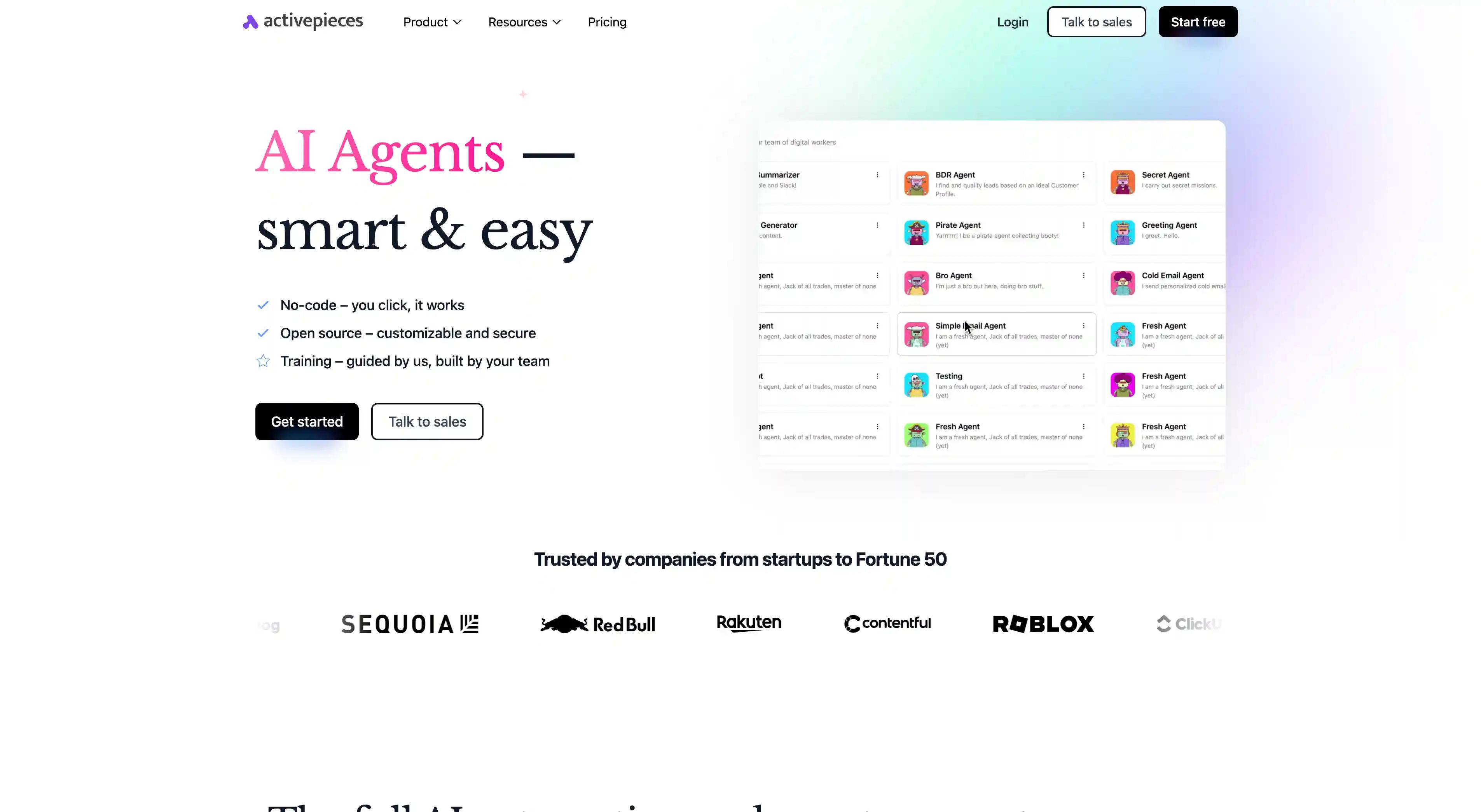
Activepieces is an open source AI workflow builder with a clean and accessible UI. It offers simple automation creation with optional self hosting.
Best For
Teams that want an open source alternative to Zapier style workflows.
Pros
OSS and fully self hostable Friendly visual editor Affordable cloud option
Cons
Smaller connector library Advanced features still maturing
Pricing
Free tier; cloud plans from $25/mo.
6) Flowise
Quick Overview
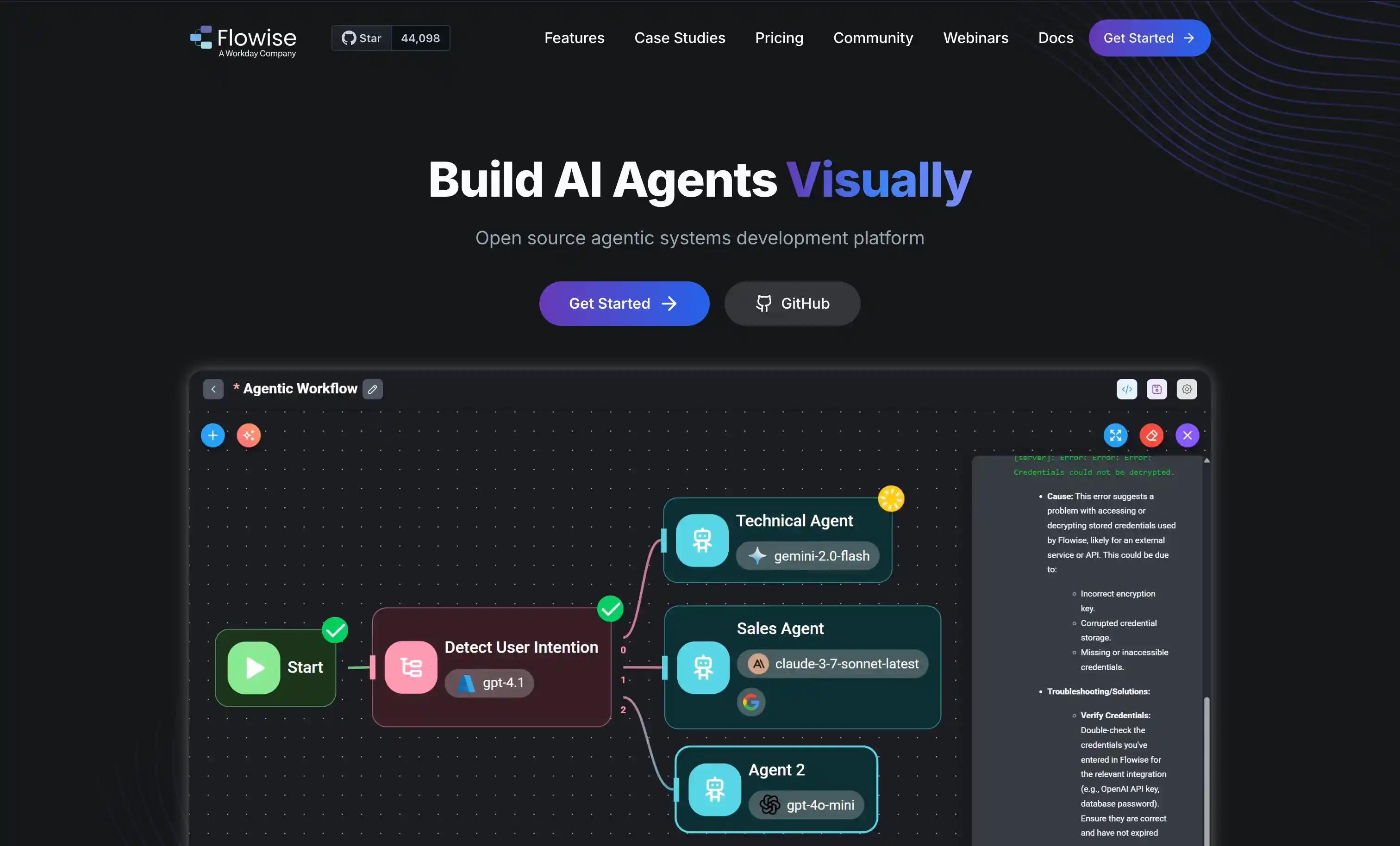
Flowise is an open source visual builder for LLM chains, agents, and retrieval based workflows. It is widely used for prototyping AI flows quickly.
Best For
Teams building early stage agents, RAG workflows, or rapid prototypes.
Pros
Very intuitive drag and drop interface Strong open source community Great for testing ideas quickly
Cons
Not designed for enterprise scale Limited connectors for SaaS tools
Pricing
Free OSS; cloud plans from $35/mo.
7) Microsoft Power Automate
Quick Overview
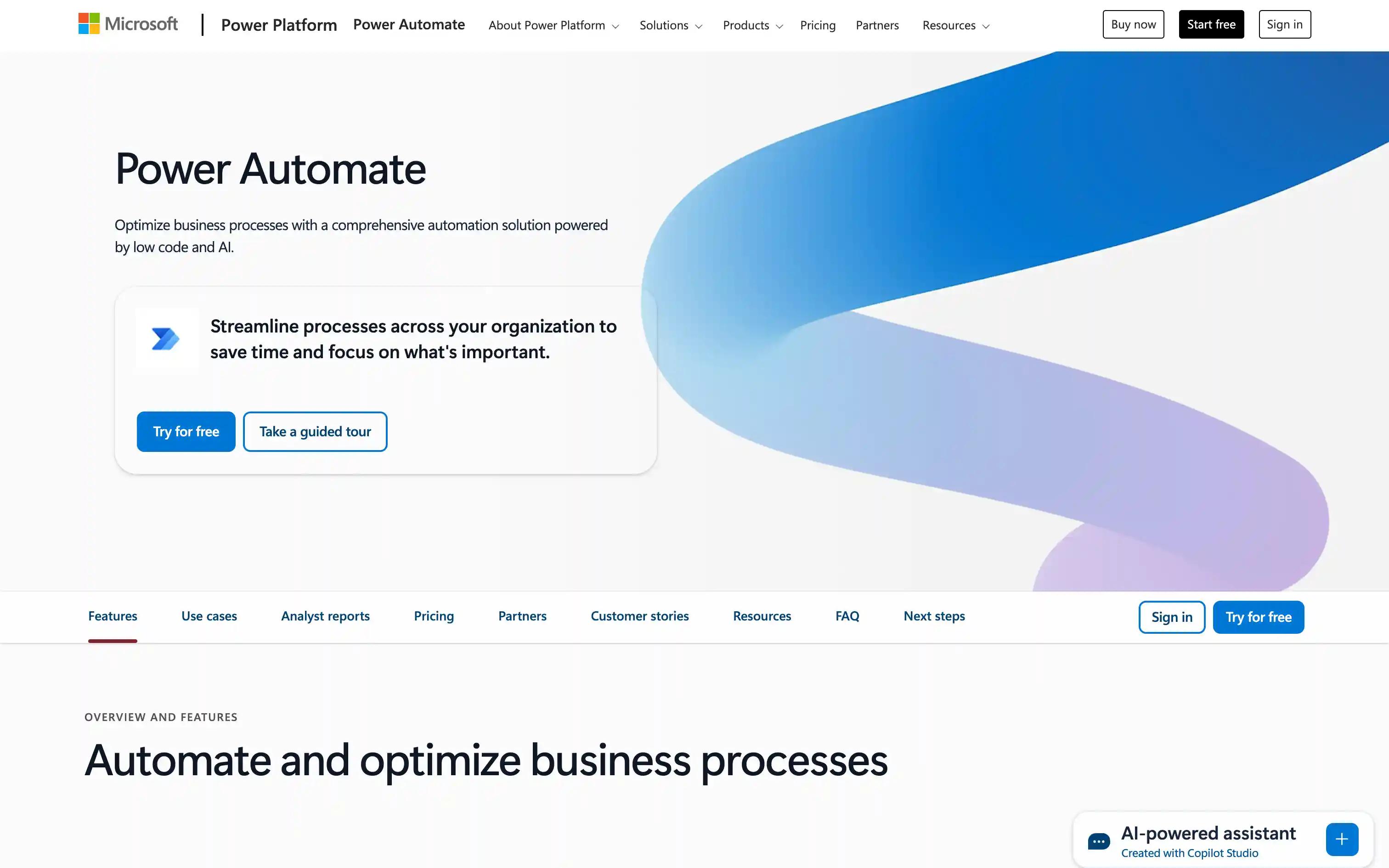
Microsoft Power Automate brings together SaaS workflows, AI features, and RPA in the Microsoft ecosystem. It is built for enterprises that need governance and approvals.
Best For
Microsoft standardized organizations needing both workflow automation and desktop automation.
Pros
Deep integration with Microsoft 365 and Dynamics Robust governance and approval flows RPA support for legacy systems
Cons
Licensing is complex Non Microsoft connectors lag
Pricing
Free tier; paid plans from ~$15/user/mo.
8) Workato
Quick Overview
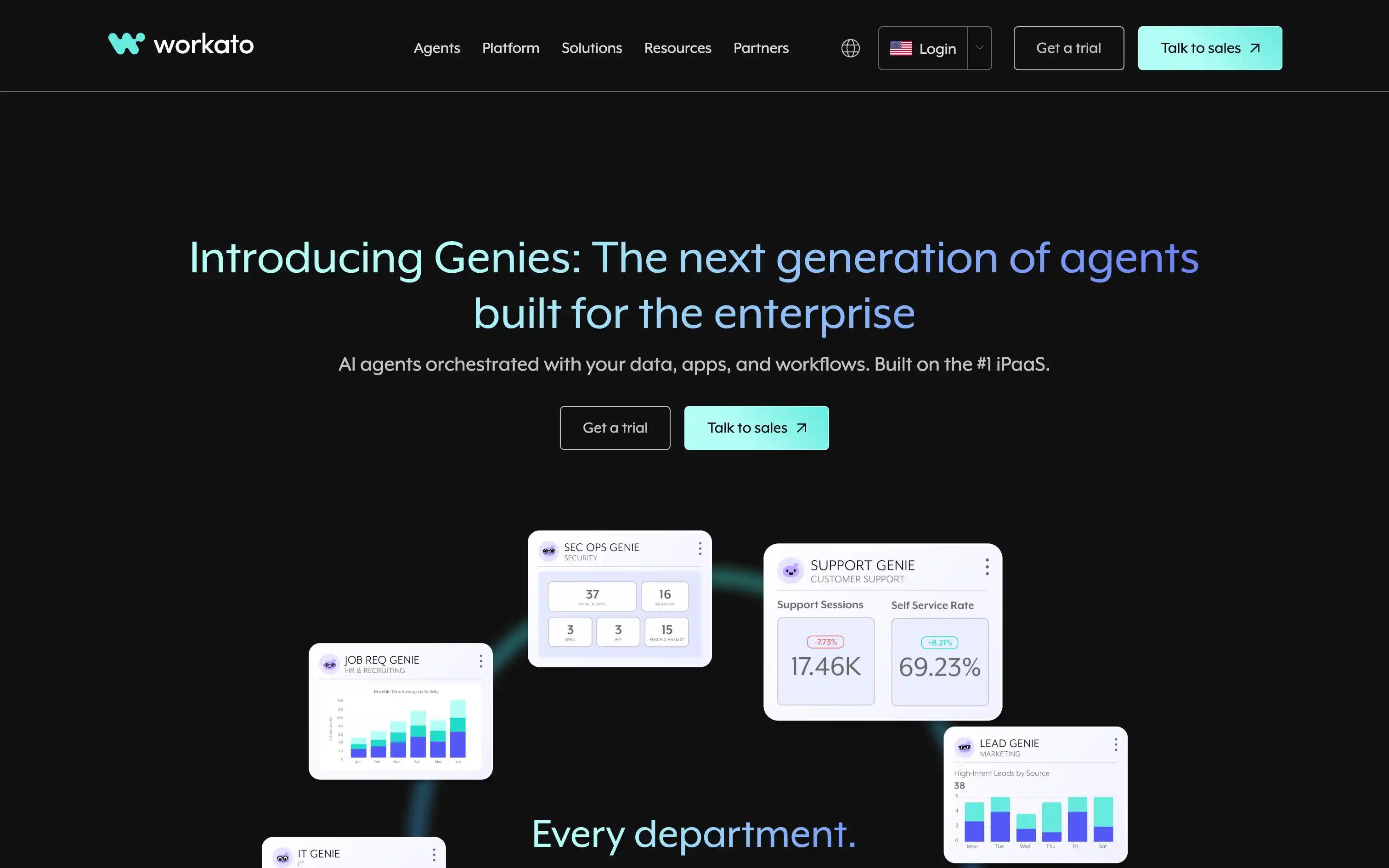
Workato is an enterprise grade AI workflow and integration platform that emphasizes governance, lifecycle management, and security.
Best For
Enterprises running mission critical workflows with strict compliance requirements.
Pros
Strong governance and RBAC Extensive library of enterprise connectors Testing and monitoring features
Cons
Premium pricing Overkill for SMBs
Pricing
Enterprise pricing only.
9) Tray.ai
Quick Overview
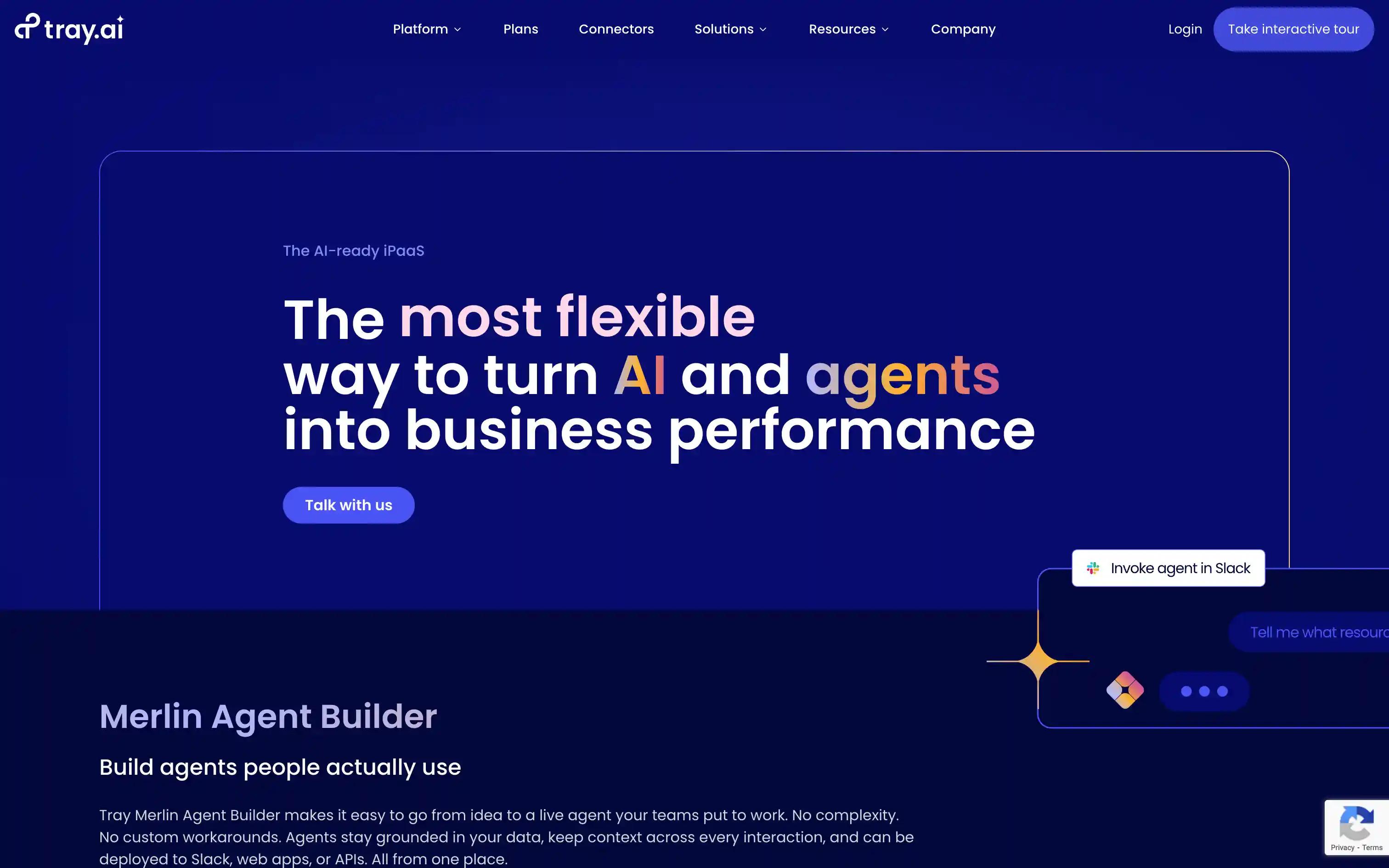
Tray.ai is a low code AI workflow platform focused on API heavy, JSON dense workflows. It is popular with mid market and enterprise data teams.
Best For
Teams that work deeply with APIs, transformations, and multi system orchestration.
Pros
Powerful ETL style transforms Strong logs and debugging tools Collaboration and permission controls
Cons
High cost Steeper learning curve for non technical builders
Pricing
Enterprise pricing only.
10) Zapier
Quick Overview
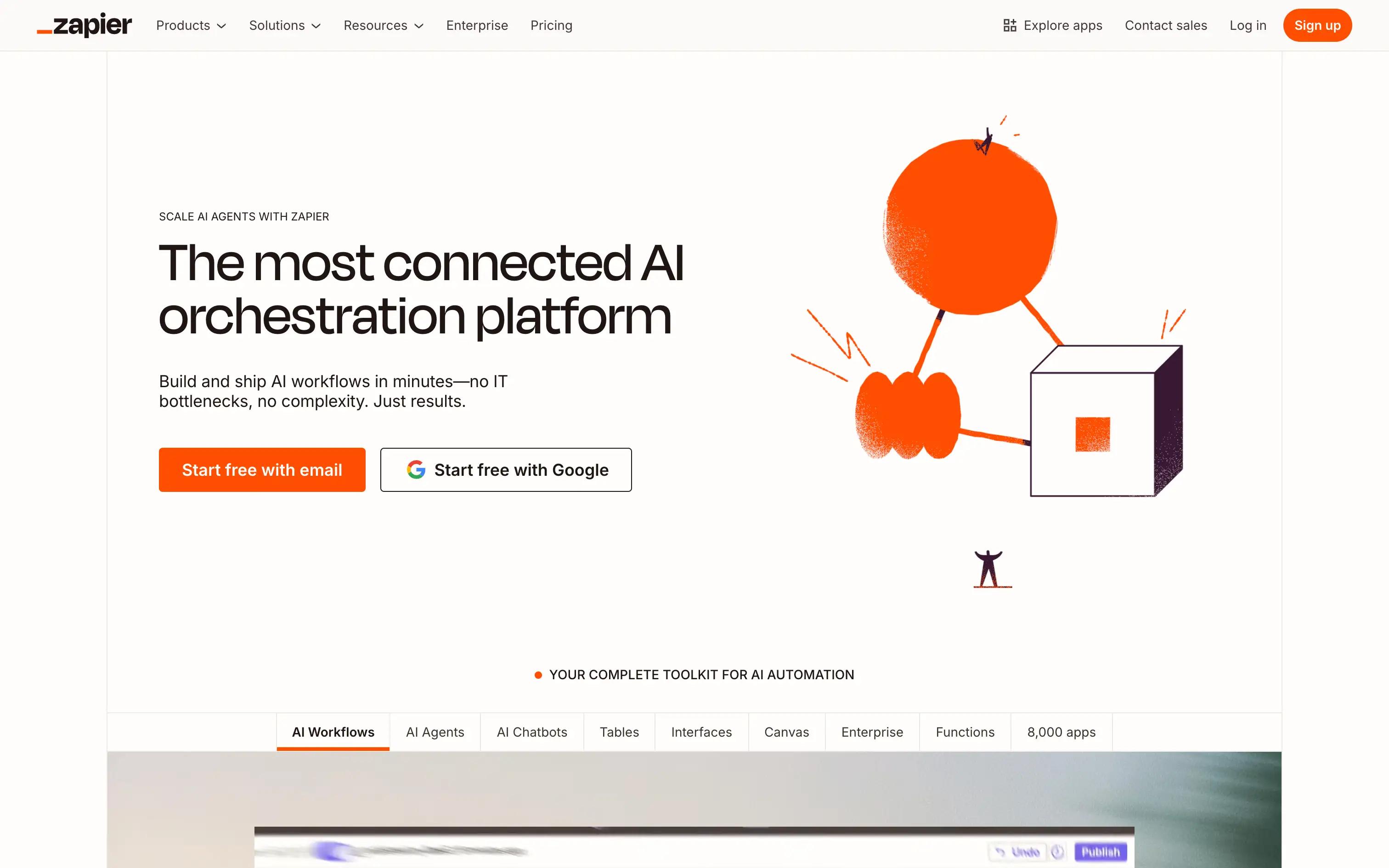
Zapier is the best known workflow tool for quick, lightweight automations. It provides the largest connector ecosystem and an easy way for non technical users to begin automating.
Best For
Teams needing simple AI enhanced automations and basic integrations.
Pros
Massive connector library Easy to learn Great for simple, event driven tasks
Cons
Limited deep logic and routing Expensive at scale Not ideal for AI native workflows
Pricing
Free tier; paid plans from $20/mo.
11) Pipedream
Quick Overview
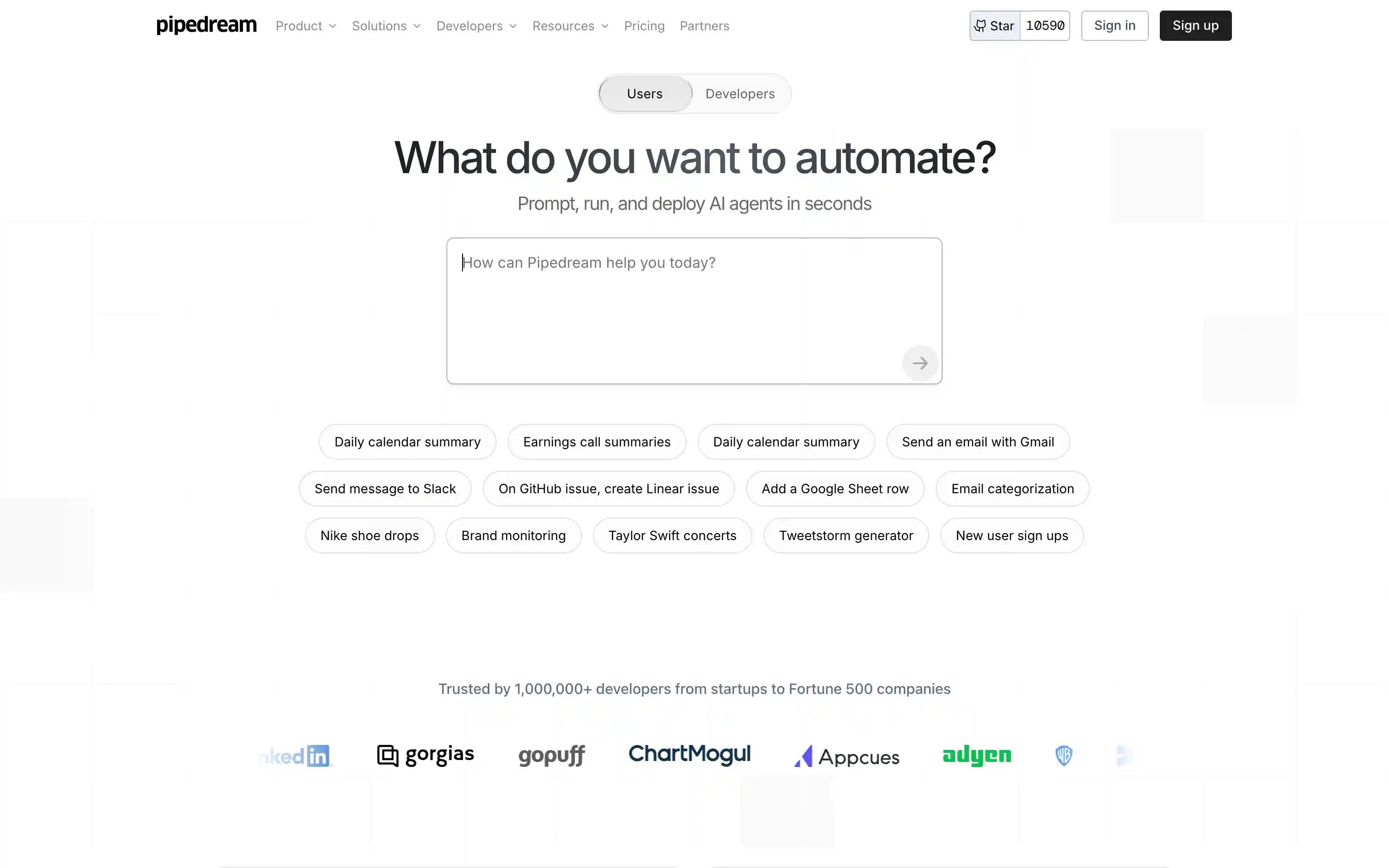
Pipedream is a code first AI workflow platform where developers build automations using JavaScript, TypeScript, or Python on serverless infrastructure.
Best For
Developer teams that want scripting control and real time event ingestion.
Pros
Full coding environment with NPM support Real time event sources and webhooks Strong logging and secret management
Cons
Not suitable for non technical users Smaller prebuilt connector library than Zapier or Make
Pricing
Free tier; paid from ~$29/mo.
12) n8n
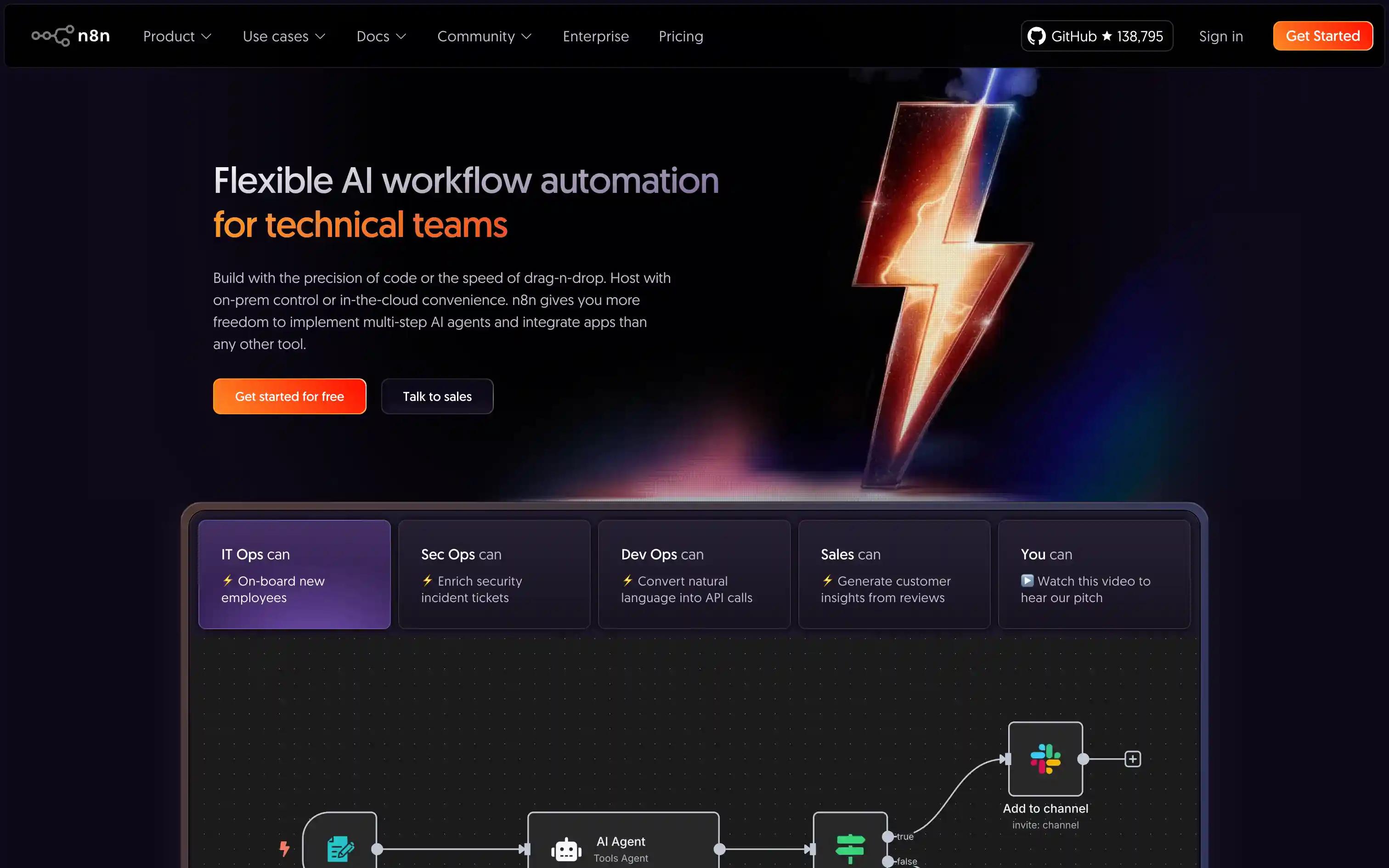
n8n is an open source AI workflow builder with strong extensibility. It blends a visual builder with powerful code options and full self hosting.
Best For
Technical teams that want OSS flexibility and control over infrastructure.
Pros
Highly extensible with custom nodes and scripting Self hostable on Docker or Kubernetes Active open source community
Cons
Learning curve is steeper Requires DIY work for governance and observability Less friendly for non technical users
Pricing
Free open-source; cloud plans start around $20/mo.
Tool Best For Strengths Trade–offs Pricing Snapshot Compared to Vellum AI Vellum AI Teams that want the fastest and easiest way to turn ideas into AI workflows that automate real work. Agent Builder that turns prompts into workflows, AI Apps for shareable UIs, visual builder plus SDK, native evals and versioning, deep observability, flexible deployment, strong docs and support. Some advanced SDK features still require engineering support; rapid product evolution means teams occasionally relearn new capabilities. Free tier; enterprise plans available via sales. Fastest on this list from idea to working AI workflow, while still giving engineers an SDK, custom nodes, evals, and observability in one platform. Make Ops teams needing complex multi–step logic and high volume automations with visual control. Powerful branching, mapping, and scheduling; good error handling and replay; cost effective at scale for non AI heavy flows. UI can feel heavy; steeper learning curve for casual users; AI native patterns require more manual setup than dedicated AI platforms. Free tier; paid plans from about $9 per month. Better for general SaaS automation at volume; Vellum is stronger when workflows lean heavily on models, retrieval, and fast AI iteration. Parabola RevOps, Marketing, and Ops teams working with recurring, data heavy and batch workflows. Excellent for ETL style flows; spreadsheet friendly visual interface; strong scheduling for recurring jobs; good for API and CSV work. Not event driven; limited support for complex agent like orchestration or deep AI native routing out of the box. Free tier; usage based and enterprise pricing. Better for batch data prep; Vellum is better when you want conversational, retrieval based, or multi step AI workflows that users can run as apps. Pabbly Connect SMBs that want simple AI supported workflows with predictable, flat rate pricing. Flat rate pricing with generous task limits; easy to learn; 1,000 plus connectors for common SaaS tools. Smaller ecosystem than Zapier or Make; light on advanced testing, evals, and governance features for AI heavy use cases. Free tier; paid plans roughly $14 to $16 per month. Cheaper for standard automations; Vellum is better once AI quality, evals, and iteration speed matter more than flat task pricing. Activepieces (OSS) Teams wanting a simple, open source AI workflow builder with optional managed cloud. Open source and self hostable; clean, Zapier like UI; affordable hosted offering; good fit for basic flows. Smaller connector library; many advanced features and AI patterns are still maturing; requires more DIY for testing and monitoring. OSS free; cloud plans from about $25 per month. Better for simple, low cost self hosted automations; Vellum is stronger when you need evals, AI Apps, and deeper AI specific tooling. Flowise (OSS) Teams prototyping LLM chains, agents, and retrieval workflows in an open source stack. Very intuitive drag and drop interface for LLM flows; strong community; fast for proof of concepts and experiments. Not focused on enterprise reliability; limited SaaS connectors; production hardening and governance require custom work. OSS free; hosted options often start around $35 per month. Better for early prototypes; Vellum is better when you want those prototypes to become maintained, observable workflows and AI Apps. Microsoft Power Automate Microsoft centric enterprises needing workflow automation, approvals, RPA, and AI in one ecosystem. Deep integration with Microsoft 365 and Dynamics; robust governance and approvals; desktop RPA for legacy apps. Licensing can be complex; non Microsoft connectors and AI patterns can lag; heavier platform to operate. Free trial; paid plans from about $15 per user per month. Better if you live fully in the Microsoft stack; Vellum is better when you want a focused AI workflow layer that works across stacks and iterates faster on AI use cases. Workato Large enterprises running mission critical workflows that need strict governance and lifecycle controls. Enterprise grade RBAC and security; extensive connector catalog; rich lifecycle, testing, and monitoring for integrations. Premium pricing; often more than smaller teams need; AI specific workflows may require extra configuration or custom work. Enterprise pricing only; contact sales. Better as a central iPaaS; Vellum is better as a dedicated AI workflow layer that plugs into or sits beside existing iPaaS investments. Tray.io Mid market and enterprise teams orchestrating API heavy, data rich workflows with low code tools. Powerful JSON and data transforms; detailed logs and debugging; solid collaboration and permissioning features. Higher cost; learning curve for non technical builders; AI features are layered on top of a general integration platform. Enterprise pricing only; contact sales. Better for deep API integration programs; Vellum is better when speed and simplicity of AI workflow creation and iteration are the priority. Zapier Teams that need quick, lightweight SaaS automations and basic AI assisted flows. Massive connector library; very approachable UI; ideal for simple, event driven workflows across tools. Limited complex logic, testing, and versioning; costs can rise with scale and premium apps; AI native workflows feel bolted on. Free tier; paid plans from about $20 per month. Better as a starter automation tool; Vellum is better once you care about AI workflow quality, evals, and collaboration across teams. Pipedream Developer teams that want code first control over AI workflows on serverless infrastructure. Full coding environment with JS, TS, and Python; real time event sources and webhooks; strong logs and secret management. Not friendly for non technical users; smaller prebuilt connector library than Zapier or Make; AI evals and versioning require custom work. Free tier; paid plans starting around $29 per month. Better for pure dev teams that prefer writing code; Vellum is better when you want non technical teams in the loop via Agent Builder and AI Apps. n8n Technical teams that want open source, self hosted workflow automation with strong extensibility. Highly extensible with custom nodes and scripting; self hostable; active OSS community; good balance of visual and technical control. Steeper learning curve; governance and observability often require extra setup; less accessible for non technical builders; AI patterns need manual design. OSS free; cloud plans around $20 per month. Better if open source control is the top priority; Vellum is better if your priority is speed, ease of AI workflow building, and built in evals and AI Apps.
Why choose Vellum
Vellum is the fastest and easiest AI workflow platform for automating work. Instead of stitching together scripts and tools, you describe what you want, let the Agent Builder generate a first version, then refine it in a visual builder or with code where it matters.
Non technical teammates can help shape workflows without touching an IDE. Engineers still get a real SDK, custom nodes, and exportable code. Evals, versioning, and observability are built in so every change is backed by data, not guesswork.
If your goal is to turn ideas into AI workflows quickly, and keep those workflows improving as you learn, Vellum is the right foundation.
What makes Vellum different
Agent Builder that turns prompts into workflows : Start from natural language instead of a blank canvas, and have Vellum generate the full workflow structure, routing, and steps so teams move from idea to working automation in minutes. AI Apps for sharing workflows as tools : Wrap any workflow in a simple UI so teammates can use automations as apps, without touching the builder or writing frontend code, which makes AI workflows usable across the whole organization. Built-in evaluations and versioning : Define eval sets, easily compare model and prompt variants, promote only what passes, and roll back safely. End-to-end observability : Trace every run at the node and workflow level, track performance over time, and spot regressions before they hit users. Collaboration environment: Shared canvas with comments, role-based reviews and approvals, change history, and human-in-the-loop steps so PMs, SMEs, and engineers can co-build safely. Developer depth when you need it : TypeScript/Python SDK, custom nodes, exportable code, and CI hooks to fit your existing tooling. Governance ready : RBAC, environments, audit logs, and secrets management to satisfy security and compliance. Flexible deployment : Run in cloud, VPC, or on-prem so data stays where it should.
When Vellum is the best fit
You want the fastest and easiest way to turn ideas into AI workflows that automate real work, without starting from a blank canvas. Your team includes both technical and non technical people and you need everyone to contribute to workflows without sacrificing control. You plan to roll out AI powered workflows or apps across multiple teams, not just keep them inside the builder. You want every change backed by evals, versioning, and monitoring so you can ship improvements with data instead of guesswork.
How Vellum compares (at a glance)
Vs Zapier / Pabbly / Make These tools are great for quick SaaS to SaaS automations and simple triggers. Vellum is better when you want AI to do more of the work, with workflows that use models, retrieval, and routing, plus built in evals and versioning so you can improve quality over time. Vs n8n / Pipedream n8n and Pipedream shine for very technical teams that want to live in YAML or code. Vellum adds a faster, more approachable way to get from idea to working AI workflow, while still giving engineers a TypeScript and Python SDK, custom nodes, and exportable code when they need depth. Vs Microsoft Power Automate / Workato / Tray.ai Power Automate, Workato, and Tray.ai are strong enterprise iPaaS platforms for broad integration and compliance. Vellum focuses specifically on AI powered workflows. That focus lets teams iterate faster on prompts, models, retrieval, and routing, then package the best flows as AI Apps for the rest of the business.
What you can ship in the first 30 days
Week 1: Set up your first assistant or agentic flow using templates; connect knowledge sources; define a small golden set for evals. Week 2: Add semantic routing and tool use; wire human-in-the-loop approvals for sensitive actions; start tracing runs. Week 3: Set up regression tests, CI integration, and multi-environment promotion; add dashboards for stakeholders. Week 4: Expand coverage to a second use case (e.g., support macros → sales research), reuse components, and monitor cumulative impact.
Proof you can show stakeholders
Time saved: Side by side before and after numbers for how long a task used to take vs with an AI workflow. Work actually automated: Count of tickets, requests, or tasks now handled by Vellum instead of humans. Usage across the team: Who is using the AI Apps, how often, and for which workflows. Quality and stability: Eval results over time so you can show that workflows are not just faster, they are staying accurate.
Ready to build AI workflows on Vellum?
Start free and see how fast you can go from a simple prompt to a working AI workflow.Vellum’s Agent Builder, AI Apps, and built in evals make it easy to ship real automations without fighting the tool.
If you want a platform that actually helps your team automate their work, Vellum is the right place to start.
{{general-cta}}
Extra resources
Beginner’s Guide to Building AI Agents → Best Enterprise AI Agent Builder Platforms → Best Low code AI Workflow Automation Tools → Guide: No Code AI Workflow Automation Tools → Best AI Workflow Platforms →
FAQs
1) What is an AI workflow platform, in plain English?
An AI workflow platform is a place where you chain steps like “get data,” “ask a model,” “decide,” and “take action” into a repeatable flow. Instead of one-off prompts in a chat box, you turn that logic into something your team can run, monitor, and improve over time.
2) What types of work are actually worth automating with AI workflows?
Good candidates are repetitive, rules-light and context-heavy tasks. Think support replies, research summaries, lead enrichment, ticket triage, QA checks, and internal knowledge lookups. The more text and judgment involved, the more AI helps. Tools like Vellum make it easy to turn those messy processes into workflows your team can actually run.
3) Do I need engineers to get value from an AI workflow platform?
You need engineers at some point, but you should not need them for every small change. A good platform lets non technical teammates build and tweak flows, then lets engineers plug in code only where it is needed. This is where Vellum fits well. You get an Agent Builder and AI Apps for everyone, plus a Python SDK when engineering wants more control.
4) How is an AI workflow platform different from tools like Zapier or Make?
Zapier and Make are great for “if this then that” style SaaS automations. AI workflow platforms focus more on model calls, retrieval, routing on meaning, and handling fuzzier decisions. You still integrate tools, but the heavy lifting happens inside the model and logic layer, not just in moving data around.
5) How do I choose the right platform for my team?
Start with three questions:
Who will actually build and maintain workflows How much AI and retrieval you expect to use How safe and observable things need to be in production
Then score each vendor on time to first useful workflow, fit for your builders, AI depth, and how it handles evals, versioning, and monitoring. Run a small real project on two short listed tools and judge by results, not demos.
6) How fast can I get to my first working AI workflow with Vellum?
If you have a clear use case, usually within a day. You describe what you want, let the Agent Builder generate the first version, plug in your data or tools, and then refine. You can then turn it into an AI App so your team can use it without touching the builder. Most teams get something useful running in their first week.
7) What if I already use something like Zapier, n8n, or Pipedream?
You do not need to rip anything out. Many teams keep their existing automation tools for simple SaaS wiring and add an AI workflow platform on top for the “thinking” parts. For example, you can call a Vellum workflow from Zapier or n8n for the AI heavy step, then pass the result back into your existing flows.
8) Where does Vellum make the most difference compared to other tools in this list?
Vellum shines when you want to move fast without giving up control. Agent Builder removes the blank canvas problem, AI Apps make it easy to share workflows as tools, and built in evals and versioning let you treat changes like real releases, not guesswork. It is the sweet spot if you want both speed for non technical users and depth for engineers.
9) How should I think about security and data privacy with AI workflows?
You want clear answers on where data lives, how secrets are stored, which compliance standards are in place, and whether you can run in your own VPC or on prem. For anything that touches customer or production data, you should treat your AI workflow platform like any other core piece of infra, not a toy.
10) What if we outgrow our current “no code” stack?
This happens a lot. Teams start with simple automations, then hit edges around AI quality, branching logic, or collaboration. At that point you usually need a platform that has both a friendly builder and a real SDK. Vellum is designed for that moment. You can keep non technical builders productive while giving engineers the tools they need to extend and stabilize flows.
11) What is a good first project to try on Vellum or any AI workflow platform?
Pick something small, annoying, and easy to measure. For example: auto drafting support replies, enriching leads before they hit sales, or generating research briefs for a specific persona. In Vellum, you can build that as a workflow, wrap it in an AI App, let a small team use it for a week, then compare “before vs after” on time saved or quality.
Citations
[1] Capgemini Research Institute. (2025). Rise of agentic AI: How trust is the key to human–AI collaboration .
[2] McKinsey & Company. (2025). The State of AI: Global Survey 2025 .