Structured storage for Vellum agents: tables via JSON Schema, query/aggregate via JSON, named saved queries.
Shared structured storage for Vellum agents.
A Vellum plugin that gives every skill and workflow a common place to keep tabular data — create tables from TableDefinition DSL, insert and update rows, filter and aggregate with JSON (not ad-hoc SQL), and save named queries for reuse. One storage system; many domains.
Agents often need durable, structured state: expenses, diet logs, birthdays, price watches, habits, inventories. Those needs look different at first look, but under the hood they are the same: tables, rows, filters, and aggregates.
Without a shared store, each feature tends to ship its own plugin and its own CRUD tools. That duplicates work and fragments data. ledger is the opposite approach:
Example: the expense tracker skill in examples/expenses/ documents category and expenses tables, seed categories, saved views with date params, and how to log or report spending. Copy to workspace skills/expenses/ to activate (see references/install.md). The skill does not implement storage; it teaches the agent how to drive ledger.
Anything that needs structured storage and/or aggregation, for example:
If the shape fits “rows in tables + filters + rollups,” a skill on top of this plugin is enough.
db_migrate) or Ledger app REST. scope is required when creating tables/views; omit scope on list calls to see all scopes, or pass scope: null / ?scope= to list unscoped only. See ledger-meta.db_insert, db_update, db_delete with JSON filters (column slugs).db_query (filter / order / page) and db_aggregate (count, sum, avg, min, max, group by).db_run_view with $param placeholders (views defined in domain migrations).db_list_tables, db_list_views, db_list_migrations.db_load / db_dump (csv, json, jsonl, xlsx).Built-in skills:
| Skill | Load | Role |
|---|---|---|
ledger | skill_load { "skill": "ledger" } | Query, aggregate, row ops, views, optional SQL escape hatch |
ledger-meta | skill_load { "skill": "ledger-meta" } | Author and apply schema migrations |
Domain skills should depend on these: spell out table slugs, schemas, and procedures; call the shared db_* tools.
Example domain skill (not bundled in the plugin index): examples/expenses/ — personal expense tracking with category reference table and parameterized views.
OpenAPI 3.1 spec: openapi.json (generated via @asteasolutions/zod-to-openapi — bun run openapi). Base URL: /v1/x/plugins/ledger/; auth via Vellum gateway (settings.read). Paginated responses use page_count, total_count, limit, offset, has_more. Errors: { type, msg?, hint? }.
App id plugins~ledger~ledger (directory apps/ledger/). UI display name: Ledger.
POST /rows/commit (insert, update, delete maps).GET /export and POST /import (direct file download/upload; import format from filename).GET /stats.window.vellum.fetch against the REST routes and window.vellum.subscribe with tags from sync-tags.ts for live refresh.isCardPreview()).Local UI dev (no Vellum restart):
bun run dev:app
Open http://localhost:5173. Card preview mock: http://localhost:5173/?preview=1.
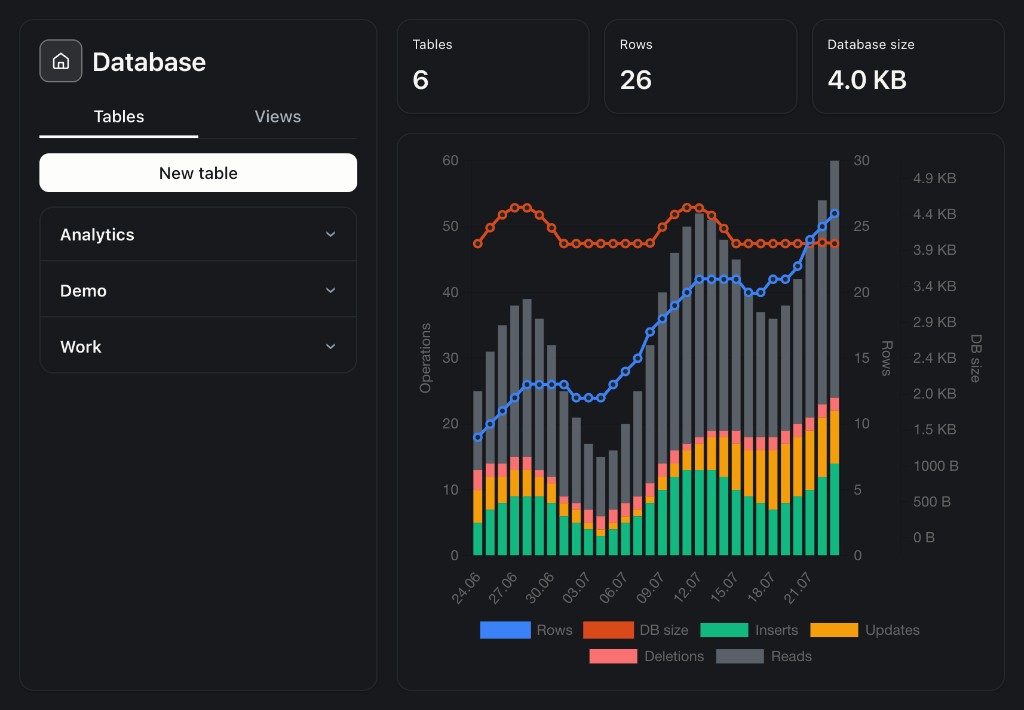
Overview dashboard (GET /stats):
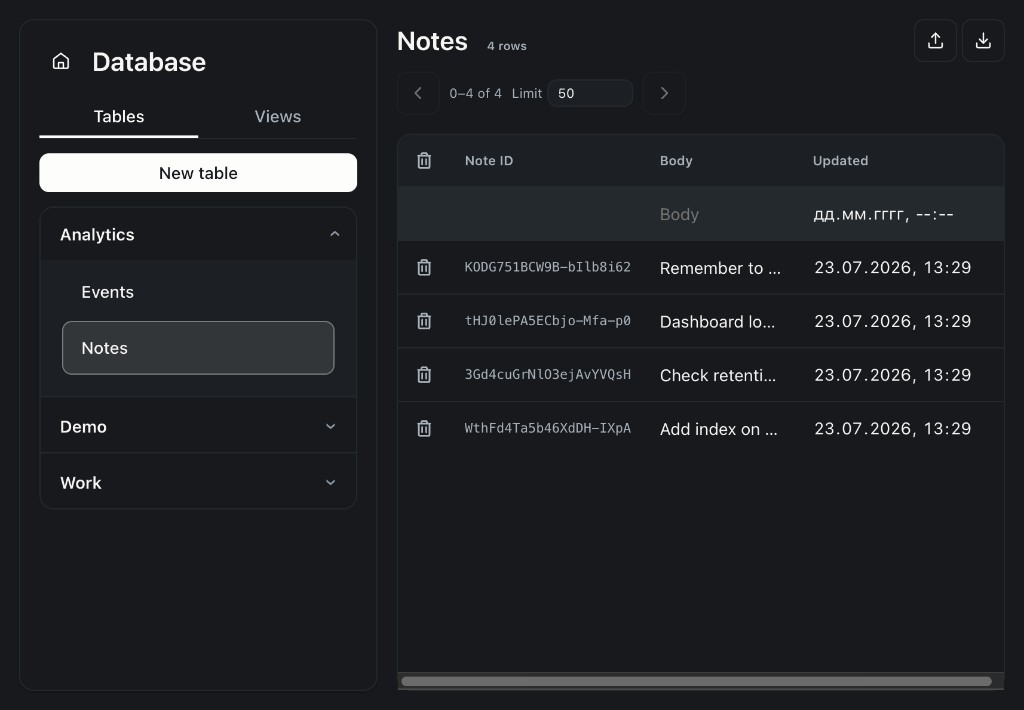
Tables grouped by scope; browse and edit rows:
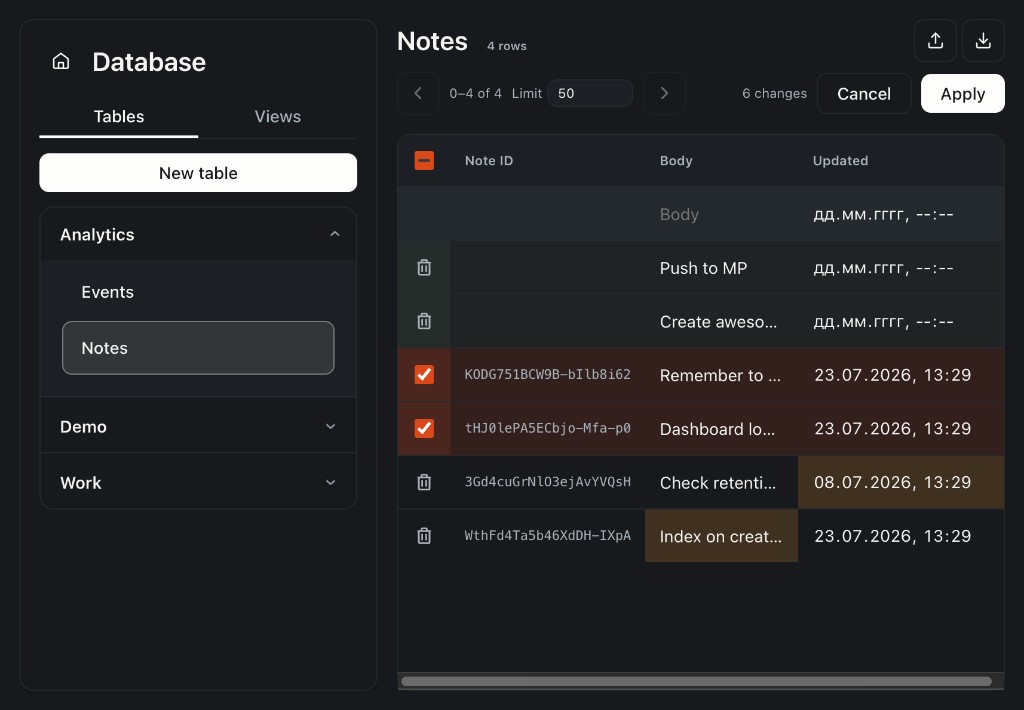
Staged edits with batch commit (POST /rows/commit):
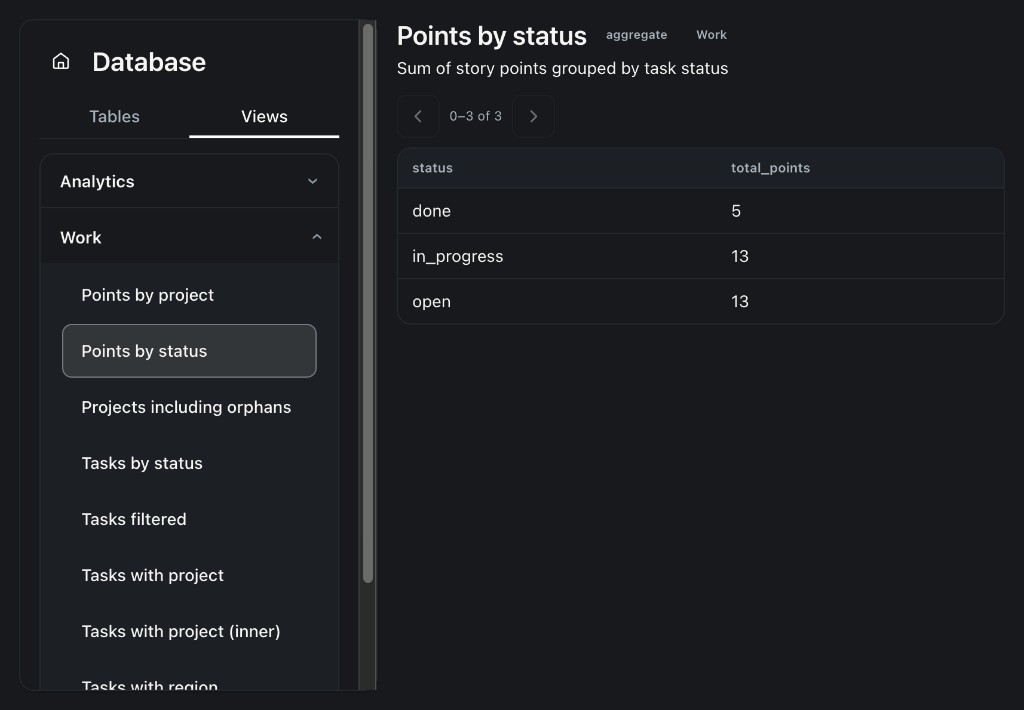
Saved views — browse aggregates and queries:
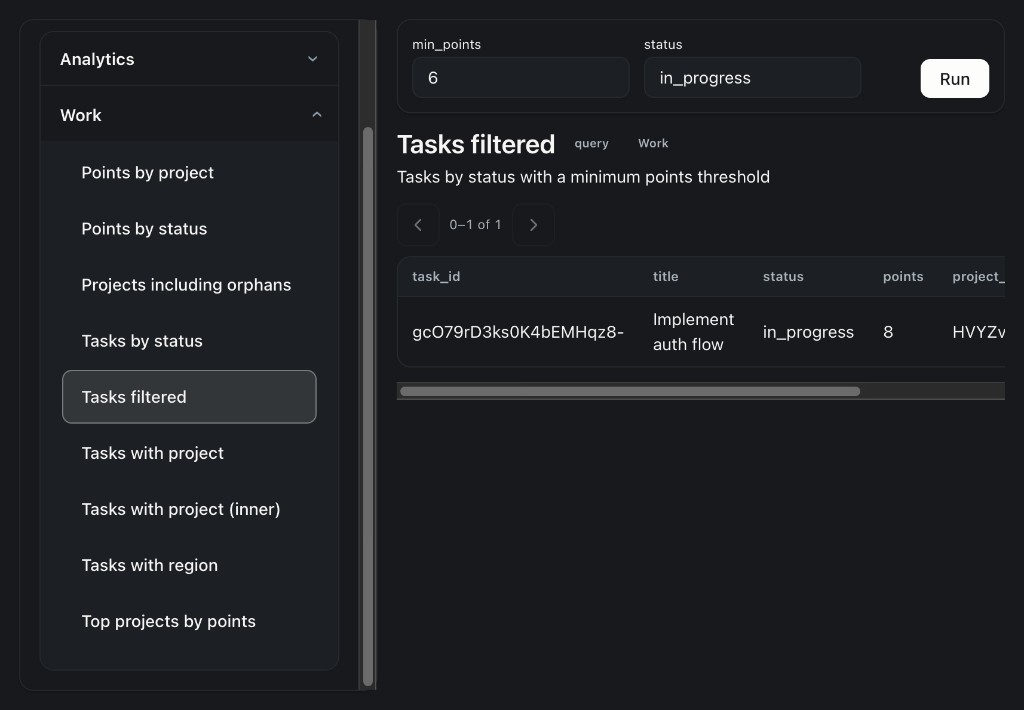
Parameterized views — fill $param placeholders and run:
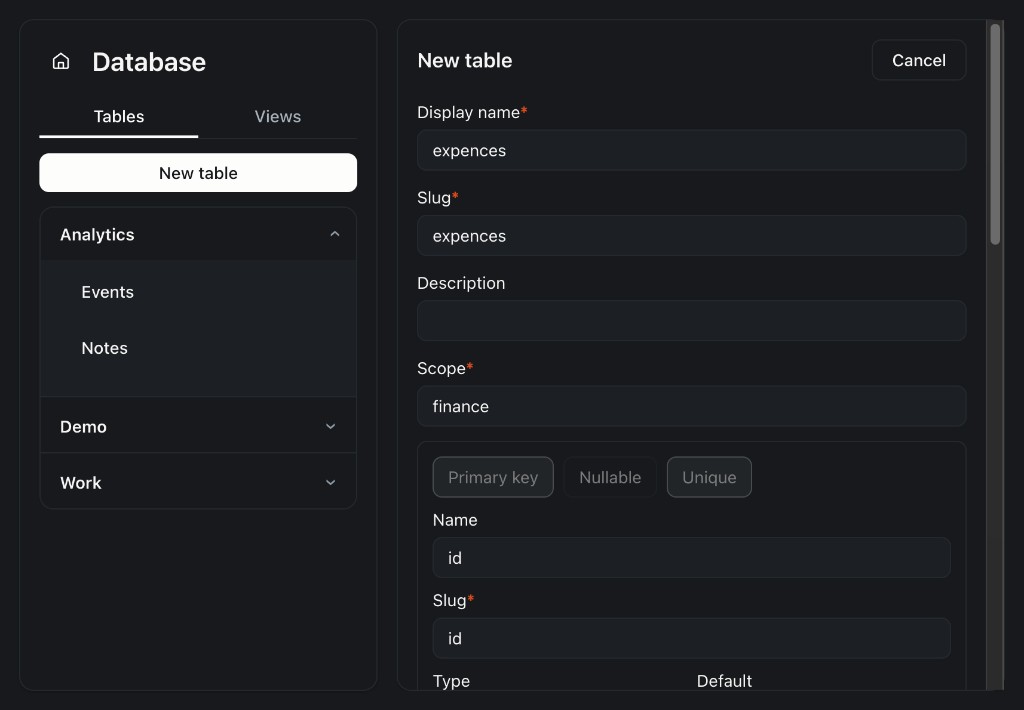
Create tables in the UI (scope required):
package.json (+ vellum: {}), config.json, hooks/, tools/, skills/, src/; runtime DB under host-managed data/ (InitContext.pluginStorageDir).bun:sqlite from the Vellum Bun runtime (no external SQLite binary or MCP sidecar). DB opens in init, closes in shutdown.tools/ — required so tools share the init connection via src/. Skill TOOLS.json sandboxes cannot import outside the skill dir. Skills still teach when to call tools via skill_load.db_sql exists as a gated escape hatch (config.rawSqlMode).scope and clear naming so domains stay discoverable.Vellum can also attach MCP servers. Nearest options and how this project differs:
| Option | Closest role | How it differs from ledger |
|---|---|---|
| mini-app-mcp | Schema-driven CRUD + aggregates over SQLite via MCP tools | Closest product idea. Schema is usually schema.yaml / mount config, not agent-created JSON Schema + Ajv. Runs as an MCP process, not a Vellum plugin on bun:sqlite. |
| mcp-server-sqlite (archived reference) / community forks e.g. mcp-sqlite-server | Generic SQLite access for agents | SQL-first (read_query / write_query / invent DDL). No JSON filters, saved $param queries, scope, or domain-skill contract like ledger. |
| @berthojoris/mcp-sqlite-server | CRUD-shaped SQLite tools + permissions | Still SQL/DB-admin oriented; not a shared JSON Schema catalog for many domain skills. |
| Memory MCPs (sqlite-memory-mcp, mcp-memory-sqlite) | Long-term notes / knowledge graph / FTS | Different problem (memory), not expense/diet/birthday-style tables. |
When MCP is enough: you want an agent to run SQL against a SQLite file and are fine teaching schemas in prompts.
When ledger fits better: many domain skills should share one validated store; routine ops stay JSON (filters, aggregates, views, import/export); persistence lives in-process via Bun’s SQLite in the Vellum runtime.
Browse more servers: MCP Registry.
See config.json and AGENTS.md for keys (maxRowsPerQuery, rawSqlMode, allowDropTable) and layout for contributors.
assistant plugins install materializes the plugin tree but does not run bun install. The host only links a small shared whitelist (today: zod) into <workspace>/node_modules. This plugin’s runtime deps (ajv, @truto/sqlite-builder, nanoid, xlsx) are not on that list.
After install (or upgrade), from the plugin directory:
cd plugins/ledger && bun install
Longer-term options (vendor / zero-deps rewrite / ship node_modules) are listed in AGENTS.md.
bun install
bun run check     # lint + typecheck + test (CI parity)
bun run dev:app   # Ledger app UI at http://localhost:5173
Pre-commit hook (enabled by bun install) regenerates openapi.json when you commit REST/API schema changes.
This repository root is the plugin (hooks/, tools/, skills/, src/, routes/, apps/).
